
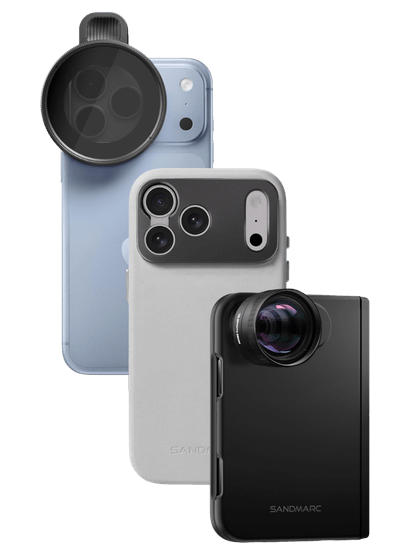




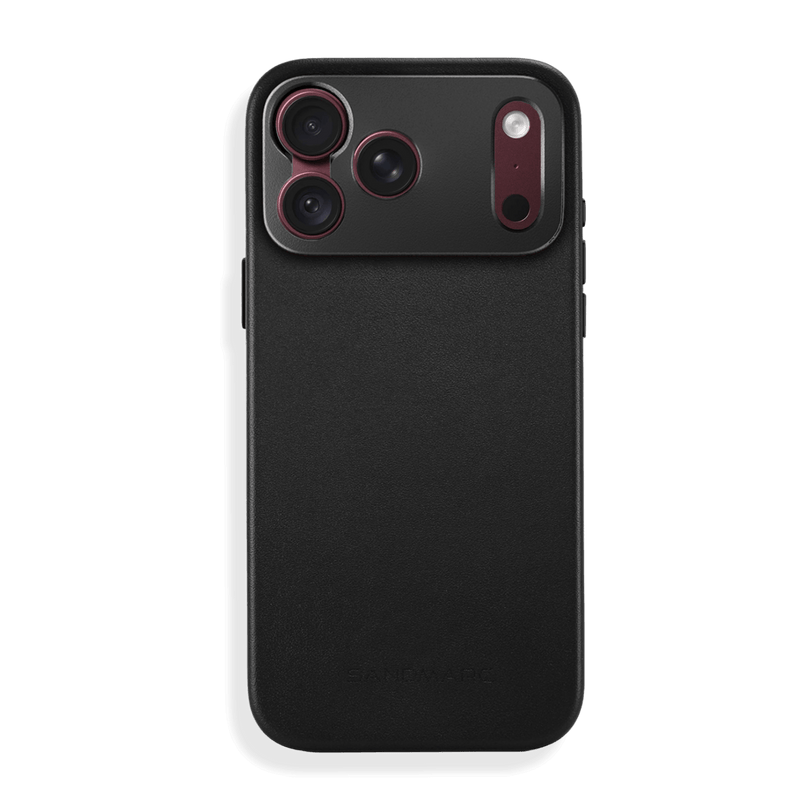




Planning a safari is a once-in-a-lifetime experience, so having the right gear to capture it all, whether the wildlife is near or far, is essential. If you want to travel light but still demand high-quality photos and videos, opting for an attachable lens from SANDMARC is the perfect move. In this guide, we’ll break down the best iPhone safari gear, and share crucial camera setting insights.

Pre-Trip Prep: Essential iPhone Settings to Change Now
Locking in these four settings before you step into the safari vehicle ensures your phone behaves perfectly when a split-second photo opportunity strikes.
1. Enable Apple ProRAW
Why it matters: Essential for recovering hidden shadow detail in deep brush or preventing blown-out horizons during intense African sunsets. How to do it: Go to Settings > Camera > Formats and toggle on ProRAW & Resolution Control. Choose HEIF Max to save storage while keeping maximum resolution, or ProRAW for ultimate editing flexibility in Lightroom.
2. Use the "Preserve Settings" Override
Why it matters: If a leopard suddenly leaps into view, the last thing you want is your camera app resetting to a heavily compressed JPEG. This forces the phone to remember your exact shooting choices.
How to do it: Navigate to Settings > Camera > Preserve Settings. Turn on the toggles for Exposure Adjustment, Camera Mode, and ProRAW & Resolution Control.
3. Turn on the Grid and Level
Why it matters: Bouncing around in a rugged 4x4 makes it nearly impossible to frame a shot straight. This tool is non-negotiable for keeping your horizons perfectly level while on the move.
How to do it: Head to Settings > Camera and look under the Composition section. Toggle on both Grid and Level.
4. Optimize the Camera Control Button (iPhone 16 Pro & newer)
Why it matters: Blinding sunlight can make tapping a glass screen incredibly frustrating. Configuring this physical button lets you instantly lock exposure or toggle Photographic Styles by touch alone.
How to do it: Open Settings > Camera Control to adjust the button's pressure sensitivity and assign your preferred shortcut function.
The Ultimate Safari Setup: SANDMARC Lenses that Go the Distance
To capture clean, professional wildlife shots, external premium optics are mandatory to avoid digitally cropped images when you zoom.
Recommended Lenses for iPhone 15 Pro & Earlier Models
These lenses mount directly over your iPhone’s high-resolution Main camera, unlocking massive optical reach without digital artifacting.
The Telephoto 6x Lens: The absolute sweet spot for quick-deploy wildlife photography and beautifully compressed landscapes. It features an integrated manual focus wheel, allowing you to quickly override your phone's camera app to prevent autofocus from "hunting" through vehicle windows or dense safari brush.
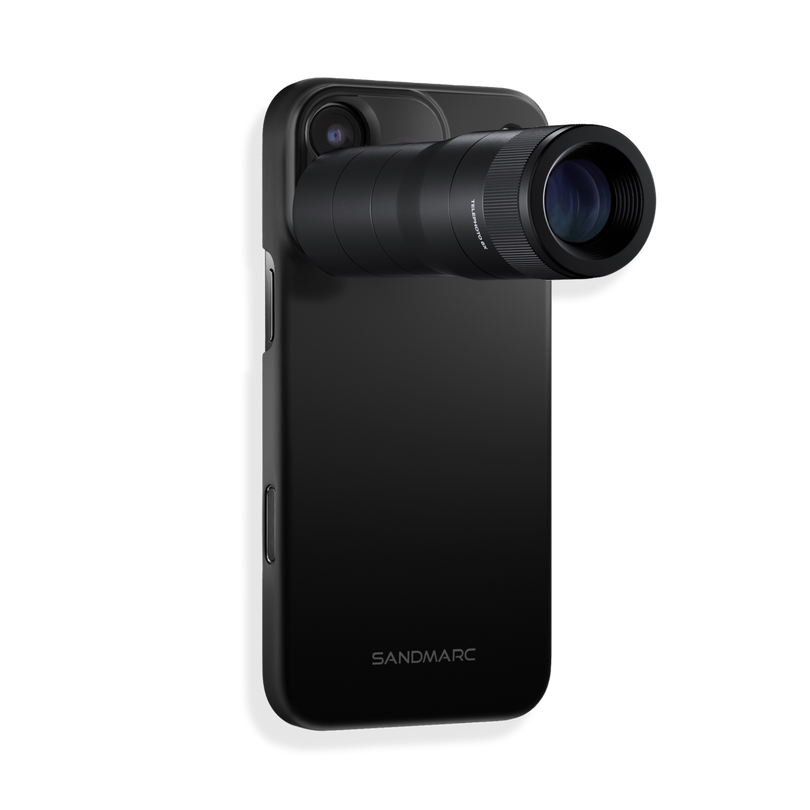
The Telephoto 10x Lens: Our most powerful optical zoom lens yet, engineered for maximum long-range reach. It is ideal for capturing nesting birds or distant lions with true DSLR-rivaling depth and natural background bokeh. Just like the 6x, it features a built-in focus wheel to fine-tune your subject at extreme distances.
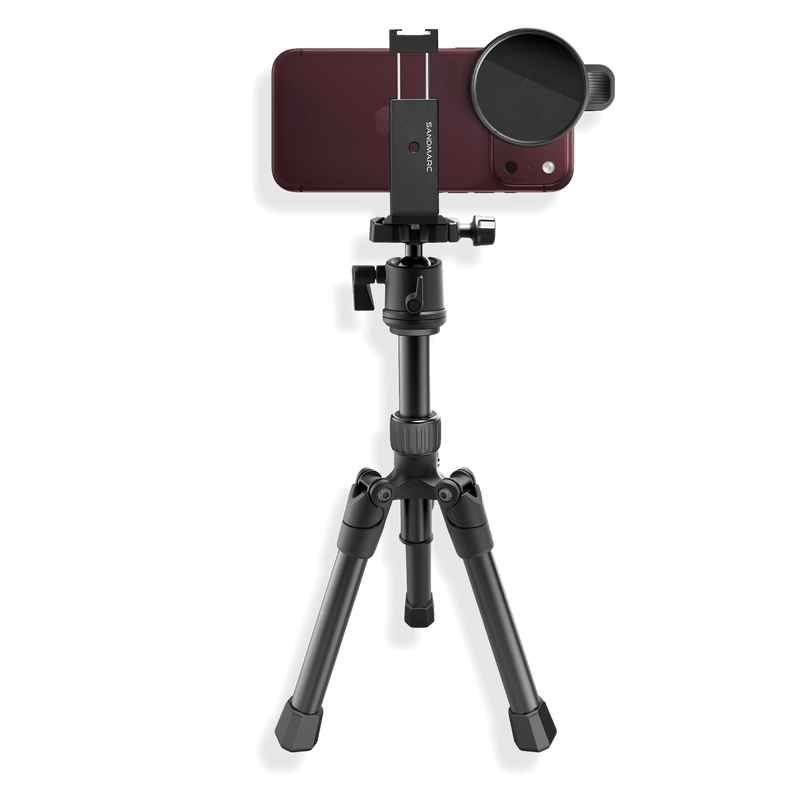
Because of the 10x lens' high magnification we recommend a tripod or mounting solution to eliminate hand shake.
Recommended Lenses for iPhone 15 Pro Max & Up
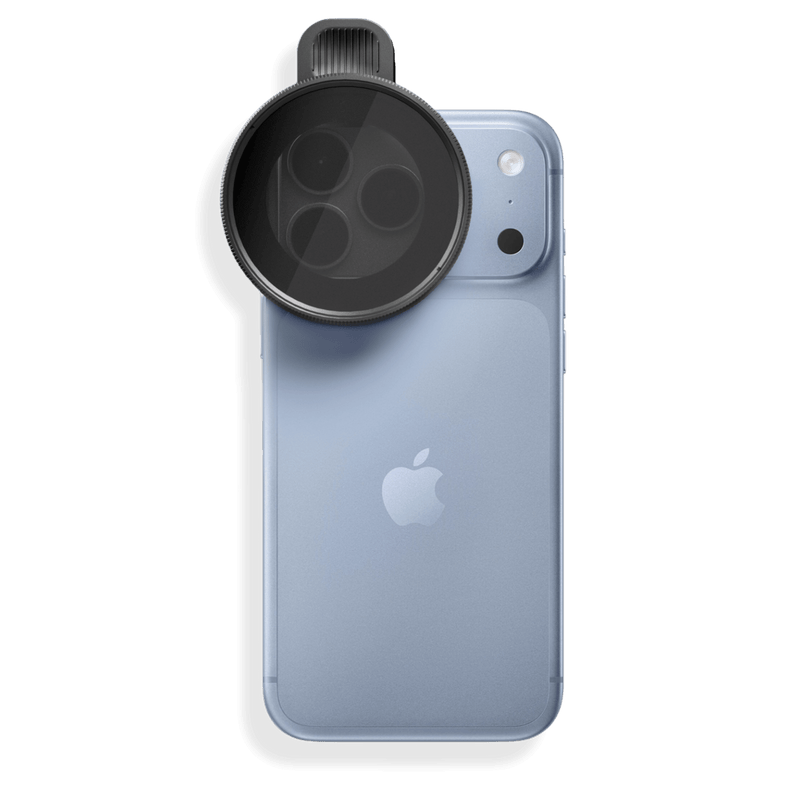
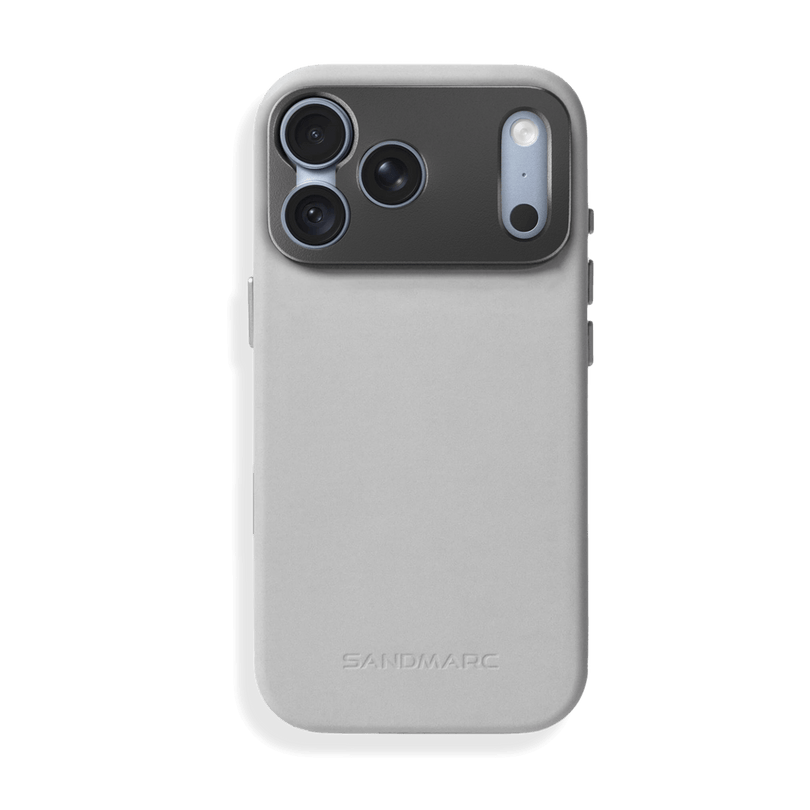
Engineered specifically to push the physical limits of Apple's Tetraprism camera, SANDMARC's Tetraprism series mounts directly over your iPhone's telephoto camera, acting as a true optical multiplier.
The Telephoto 96mm Lens: The ultimate long-range glass built for the phone already in your pocket. It adds a massive 4x true optical magnification straight to the native telephoto system. On iPhone 17 Pro models, it unlocks an astonishing 32x total reach. For iPhone 16 Pro models and the 15 Pro Max, it reaches an incredible 20x total zoom.
The Telephoto 72mm Lens: Adds a 3x optical multiplier directly to the built-in zoom system. On iPhone 17 Pro models, it provides up to 24x zoom at 24MP (or 12x zoom at full 48MP resolution). On iPhone 16 Pro models and the iPhone 15 Pro Max, it safely reaches up to 15x zoom.
The Telephoto 48mm Lens: Adds a 2x optical multiplier to the built-in telephoto camera. On iPhone 17 Pro models, it delivers up to 16x zoom at 24MP (or 8x zoom at 48MP). On iPhone 16 Pro models and the iPhone 15 Pro Max, it extends your native reach up to 10x zoom.

Capturing Stills: How to Shoot Sharp Wildlife Photos
The Golden Rule: Never Touch Digital Zoom: Lock the phone at native 1x, 2x, or 5x optical tiers. If you need more reach, shoot at a clean 5x on ProRAW (48MP) and crop in post-production rather than letting digital zoom destroy pixels.
The AE/AF Focus Lock Trick: Animals frequently move, so tap and hold the screen on the animal’s eye to lock your focus, then drag the sun icon down to underexpose by -0.3 or -0.7.
Burst Mode for High-Action: Slide the shutter button left (or hold the Camera Control button) to capture high-speed frames during river crossings, hunts, or sudden bird takeoffs.

Capturing Video: Cinematic Storytelling on the Move
Cinematic Mode (4K): Use this specifically when animals are close to the vehicle to get clean, blurred-background bokeh that perfectly mimics a professional f/2.8 prime lens.
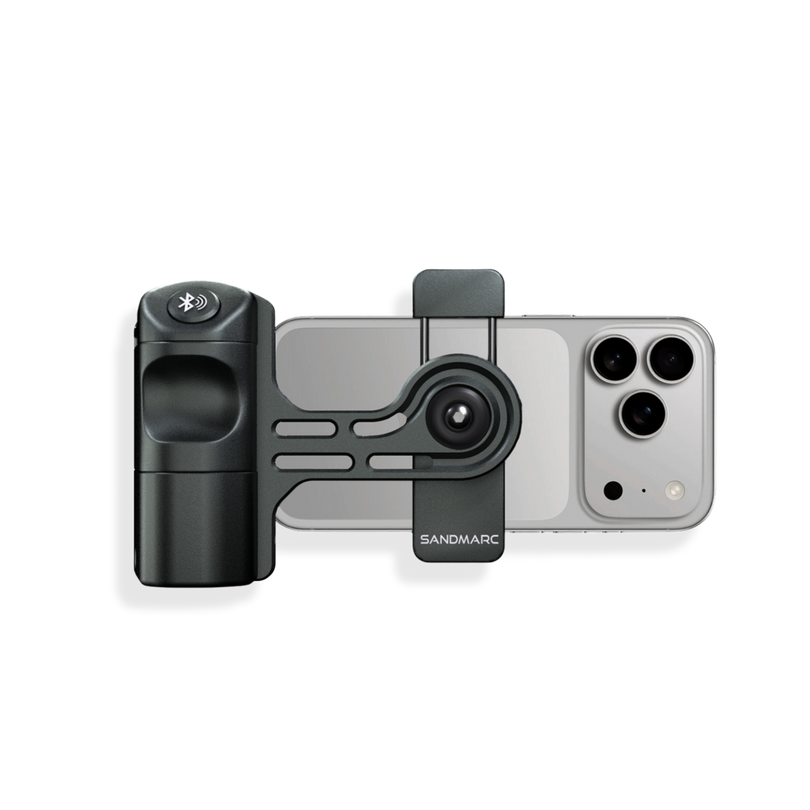
Action Mode for Bumpy Rides: Cruising next to a moving pride of lions? Turn on Action Mode to remove any shakes on the bumpy ride, if you want to fully avoid any shakes in your videos we recommend attaching your iPhone to the DJI osmo gimbal. However, when heavier gear or large size iPhone models get attached to it, the gimbal cannot balance. We offer counterweights to enable heavier gear to be mounted on the iPhone when filming content.
Conclusion
If you want to travel light and make the most of the gear you already own, your iPhone is the perfect camera. Enhancing its capabilities with SANDMARC gear allows you to elevate your photography without the bulk or expense of a brand-new camera body. Just don't forget to pack a portable charger to keep your phone powered through a full day of exploring! Are you heading on a safari soon? We’d love to see how your shots turned out, tag us in your posts or send your photos and videos our way!
SM
SANDMARC
Creator Tips • SANDMARC Blog
Born on the California coast, SANDMARC designs gear for those who live life in motion. For more insights, explore the SANDMARC blog and find us on Instagram, YouTube or TikTok.

