
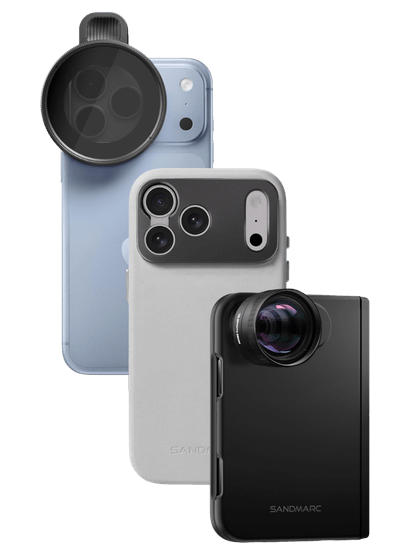




















You don’t need a $2,000 DSLR to capture deeply authentic, artistic moments; the best camera for lifestyle photography is already in your pocket.
In this guide, we’re pulling back the curtain on 8 of our favorite lifestyle images shot entirely on an iPhone. We’ll break down the exact lighting secrets, composition tricks, and behind-the-scenes moments that turned these ordinary snapshots into professional-grade photographs so you can easily replicate them.
Masterful Lighting (Photos 1 & 2)

Photo 1: Embracing Golden Hour or Harsh Sunlight
The Breakdown: Golden hour is every photographer's favorite time to shoot. The lighting is naturally perfect, casting a warm glow that softens both your subject and the environment.
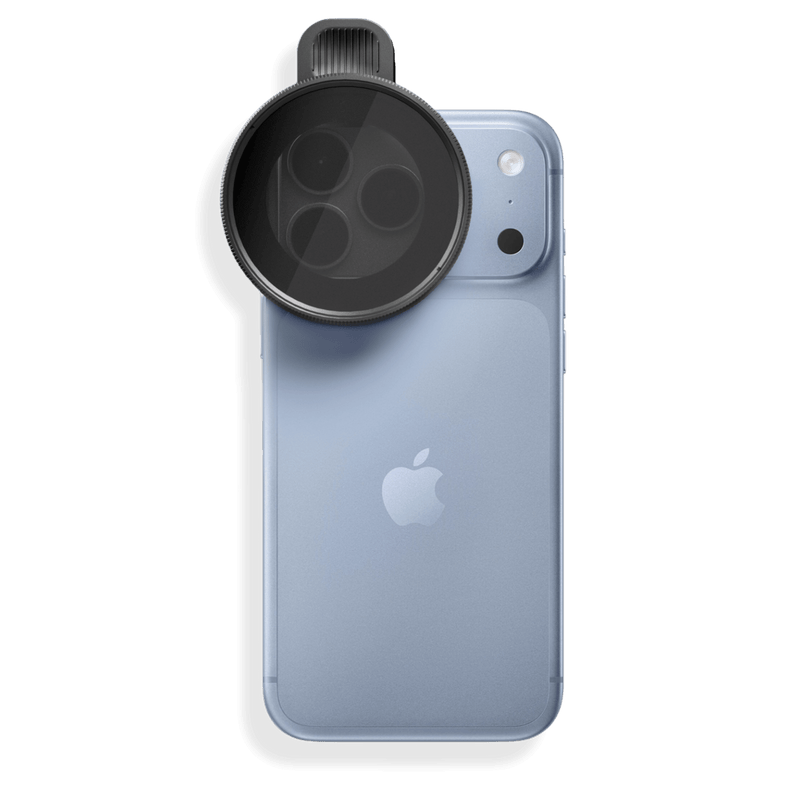
The iPhone Hack: When shooting into the sun, tap and hold your screen to activate the AE/AF Lock, then slide the sun icon down to pin down your exposure. Applying the SANDMARC Retro Filter adds a beautiful, vintage softness that helps tame harsh highlights right on the spot.

Photo 2: The Indoor Cozy Vibe (Using Window Light)
The Breakdown: Utilizing natural window light is a game-changer for indoor photography, especially when it comes from a side angle. This location featured high windows that flooded the space, providing an abundance of soft, natural light that beautifully illuminated the environment.
The iPhone Hack: Position your model close to the window to make the most of the available daylight. While it's usually best to turn off overhead lights to avoid harsh shadows and conflicting color casts, the indoor lighting here had a distinct sepia quality, adding a rich, warm tone that perfectly enhanced our cozy aesthetic. Attaching the SANDMARC 2x Telephoto lens creates a perfect portrait shot, as this glass truly thrives in unique lighting situations.
Part 2: Composition & Perspective (Photos 3, 4, & 5)

Image 3: The "Through the Lens" Depth Trick (Foreground Elements)
The Breakdown: Having the model's face framed by the car door and front window serves as a natural framing mechanism, instantly drawing the viewer's eye directly to her.
The iPhone Hack: Force the lens to focus on your background subject while letting the immediate foreground blur naturally. Switching to the SANDMARC Telephoto 48mm lens creates a beautiful, true-to-life bokeh effect, allowing this unique composition to elevate the depth and overall focus of the shot.

Image 4: The Unconventional Angle
The Breakdown: Switching up your angles, like this low-level shot looking through the tennis racket, creates a dynamic and engaging perspective that instantly grabs attention.
The iPhone Hack: Flip your phone upside down so the lenses are closer to the ground to capture more dramatic, low-angle lifestyle shots. For this shot we used the SANDMARC Fisheye lens attachment, which delivers a striking 5x ultra-wide field of view, distorting the frame just enough to create a larger-than-life image.

Image 5: Environmental Storytelling (Scale & Space)
The Breakdown: Capturing this shot on the beach allowed for a more expansive, vast frame that beautifully showcases a surfer in action. By intentionally applying the Rule of Thirds and utilizing negative space, the composition gives the scene room to breathe while drawing immediate focus to the lifestyle moment.
The iPhone Hack: Shooting during golden hour and applying a Retro Filter establishes a warm, timeless mood. Utilizing the SANDMARC 2x Telephoto lens provides a crisp, natural optical zoom, allowing you to compress the background and tighten the frame without losing the grand scale of the surrounding environment.
Part 3: Capturing Authentic Motion (Photos 6 & 7)

Image 6: The True Candid
The Breakdown: Capturing a live-action shot of a skateboarder in motion emphasizes a dynamic lifestyle concept, showcasing the gear in its natural element to create a truly authentic experience.
The iPhone Hack: When shooting high-speed action, ditch standard photo mode and utilize Burst Mode to freeze the frame perfectly. Tap the shutter and immediately drag it to the left (or hold the Volume Up button) to capture a rapid 10 frames per second at full resolution. This allows you to review the sequence afterward and choose the exact millisecond where the trick is crisp and the timing is perfect. Stacking this technique with the SANDMARC Fisheye lens attachment adds a sharp, street-style edge that elevates the entire composition.

Image 7: Motion Blur & Energy
The Breakdown: Shooting in a vibrant downtown area is a fantastic way to capture raw energy and movement, using the bustling environment to add depth and life to your composition.
The iPhone Hack: To emphasize that city motion, shoot your subject using a Live Photo. Afterward, open the photo in your library, tap the "Live" dropdown menu in the top-left corner, and select Long Exposure. This instantly converts the background movement into a beautiful, creative motion blur while keeping your subject sharp. Stacking this technique with a SANDMARC Star Filter adds a striking flare to the streetlights and city backdrops, elevating the overall visual effect.
Part 4: The Final Touch (Photo 8 - Before & After)

|

|
Image 8: The Power of Subtle Mobile Editing
The Breakdown: The gold standard of lifestyle editing is making the adjustments feel completely "invisible." Rather than overpowering the image with a heavy digital filter, the goal is to subtly enhance the true atmosphere of the moment while maintaining an authentic, true-to-life look.
The iPhone Hack: The secret to a natural edit actually starts before you even open an editing app. Using a physical, attachable glass filter, like the SANDMARC Retro Filter, allows you to bake a soft, organic glow directly into the image file. Because the lens handles the highlights and light diffusion naturally, you don't have to rely on artificial sliders in Adobe Lightroom that can distort your colors or degrade image quality. It gives you a flawless, film-like baseline straight out of the camera, keeping your final adjustments minimal, clean, and completely un-overedited.

Take a look back at these eight photos; none of them required a massive studio setup or thousands of dollars in traditional camera gear. Exceptional mobile photography simply requires a clean lens, a bit of creative patience, and an eye for a unique perspective. By leveraging your iPhone's native features alongside premium glass, you can effortlessly blend technical precision with an authentic, cinematic lifestyle vibe. Which of these eight styles or hacks are you planning to test out first?
SANDMARC
Creator Tips • SANDMARC Blog
Born on the California coast, SANDMARC designs gear for those who live life in motion. For more insights, explore the SANDMARC blog and find us on Instagram, YouTube or TikTok.

