



















What Is Depth of Field? A Guide for iPhone Photography and Filmmaking
If you want to take your iPhone content from amateur to cinematic, you need to understand Depth of Field (DOF). To break it down simply: Depth is the "how deep" the focus goes, and Field is the physical space your camera sees.
In photography and filmmaking, Depth of Field is the specific distance between the nearest and farthest objects that appear sharp and in focus. Mastering this "sweet spot" is the secret to professional-looking shots, especially when using iPhone Cinematic Mode and high-quality glass like SANDMARC lenses.
The Cinematic Breakdown:
- The Focal Point: The crisp area where your lens is locked onto your subject.
- The Bokeh: The beautiful, "fuzzy" background blur that makes a subject pop.
- Cinematic Mode: Apple's AI-driven depth of field that mimics professional cameras by automatically shifting focus.
- Optical vs. Digital: Why adding a physical SANDMARC Telephoto or Anamorphic lens creates a more natural, organic bokeh than software alone.
In this guide, we’re breaking down how to control your focal point and leverage your SANDMARC gear to create stunning, high-end depth in every frame.
What Is the "Zone of Sharpness" in an Image?
Your focal point is the zone of sharpness, the crispest part of your shot. It’s important to remember that depth of field doesn’t always mean 'bokeh.' In shallow focus shots, like portraits, you use bokeh to isolate your subject. In deep focus shots, like landscapes, you keep the whole scene sharp. With shallow focus, a creator is able to direct the viewer’s eye exactly where they want it. In contrast, deep focus gives the viewer the chance to take in the entire scene, allowing their eyes to be drawn to various details naturally.

Shallow Focus
Shot on Telephoto 72mm Lens
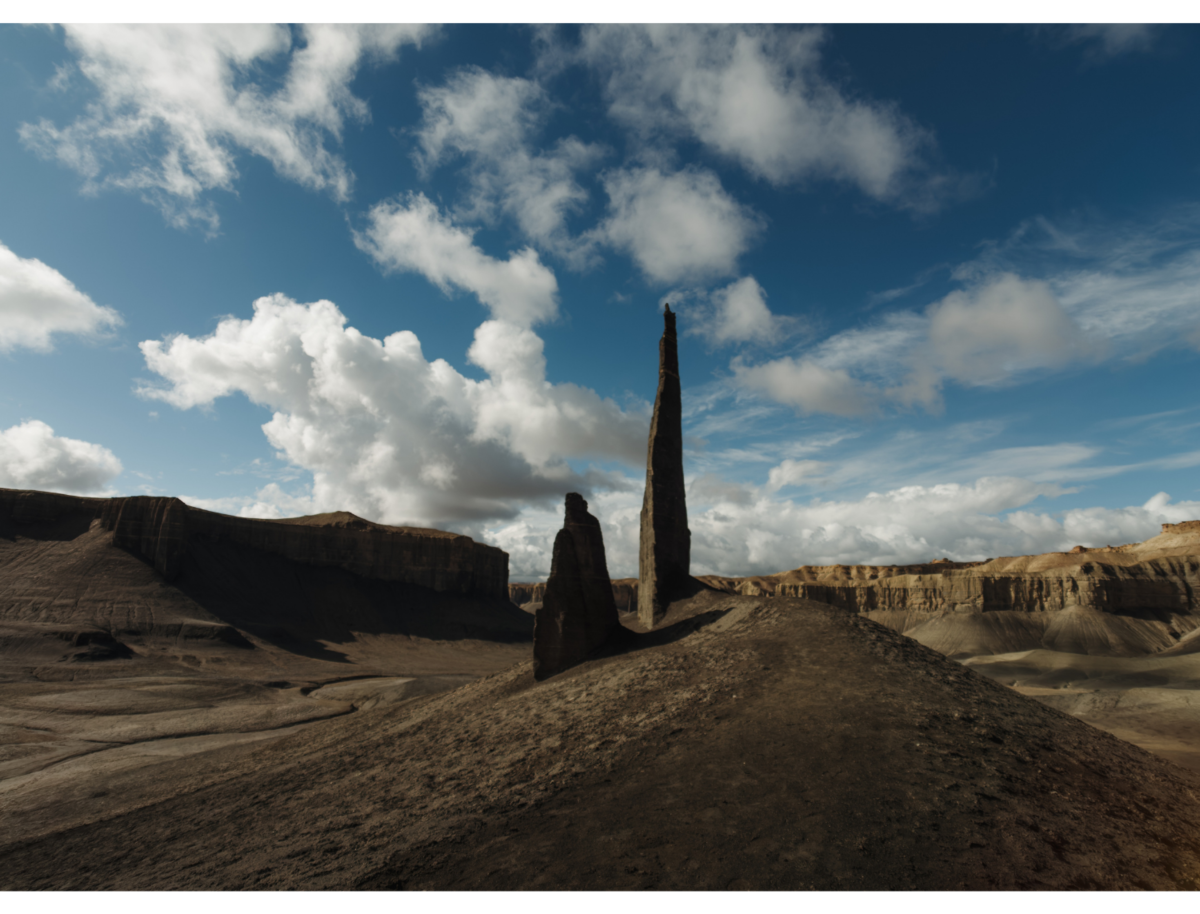
Deep Focus
Shot on Wide Lens
How Do You Control Depth of Field on an iPhone?
You can control the depth of field on an iPhone using Portrait Mode for photography and Cinematic Mode for filmmaking. While the physical aperture on an iPhone is fixed, Apple uses powerful software to simulate the look of professional cameras.
- Adjusting the Blur: Once you open the camera in Portrait or Cinematic Mode, tap the object you want in focus. To add more "fuzziness" (bokeh), tap the "f" icon to open the aperture slider. Moving the scale toward a lower number like f/1.4 creates a heavy blur, while moving toward f/16 makes the background clearer.
- The Power of Proximity: Physically moving your iPhone closer to your subject is the best way to get natural, organic depth without relying on a digital filter. Your iPhone will signal you to move closer if you are too far away. However, be sure that you maximize the distance between your subject and background.
- Focal Length & Lens Choice: Switching between the native 0.5x, 1x, and 5x lenses instantly changes your focus zone. On most Pro models, Portrait Mode uses a Telephoto lens (like the 2x or 5x), which helps compress the image, making the subject look closer while pushing the background further away.
*Another tip is to use AF/AE lock on your iPhone so the main subject never goes blurry, even as you move.
The Hardware Advantage: Optical vs. Digital Depth
While the iPhone's software is impressive, it often struggles with "messy" edges around hair or glasses. This is because the AI has to "guess" where the subject ends and the background begins; with fine details like hair strands or the thin rims of glasses, these edges often go amiss, resulting in digital glitches. This is where physical hardware makes a professional difference:
- Real vs. Simulated Bokeh: A SANDMARC Telephoto lens creates "real" optical depth. Because it uses high-quality glass to physically compress the light, it produces a creamy, natural bokeh that software simply cannot replicate.
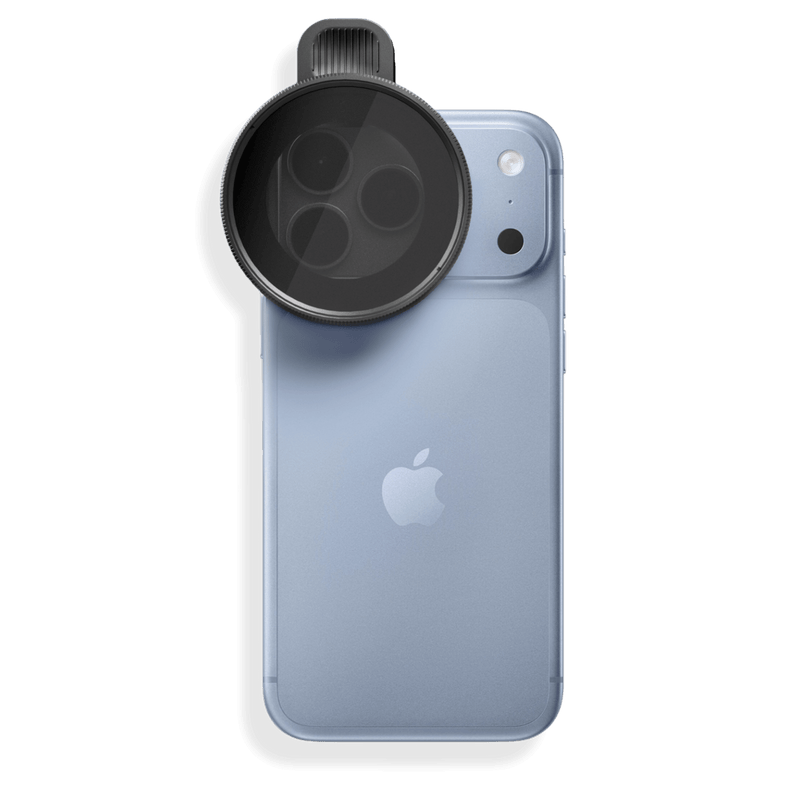
- Physical Control: By adding a SANDMARC lens to your iPhone’s 1x main sensor, or the telephoto camera for our Tetraprism lens, you get the best of both worlds: the high image quality of your phone’s largest sensor combined with the organic depth of professional glass.
- Low Light Superiority: Opting for a SANDMARC lens also means better performance in low-light conditions. While an AI depth sensor struggles to "see" and map distance in the dark, a physical lens relies on optics, keeping your subject crisp and your background blurred even when the lights go down.
To see an example of a SANDMARC Telephoto Tetraprism lens in action, watch the YouTube video below:
Mastering Cinematic Depth with SANDMARC Gear
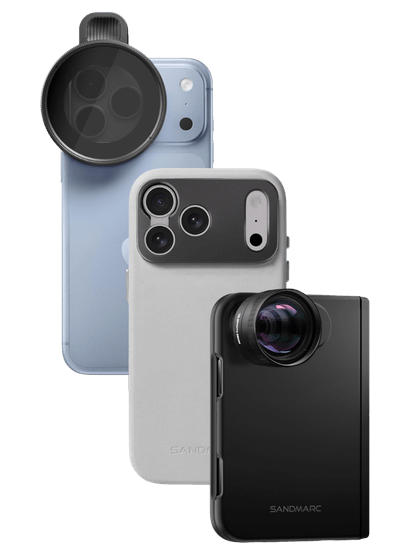
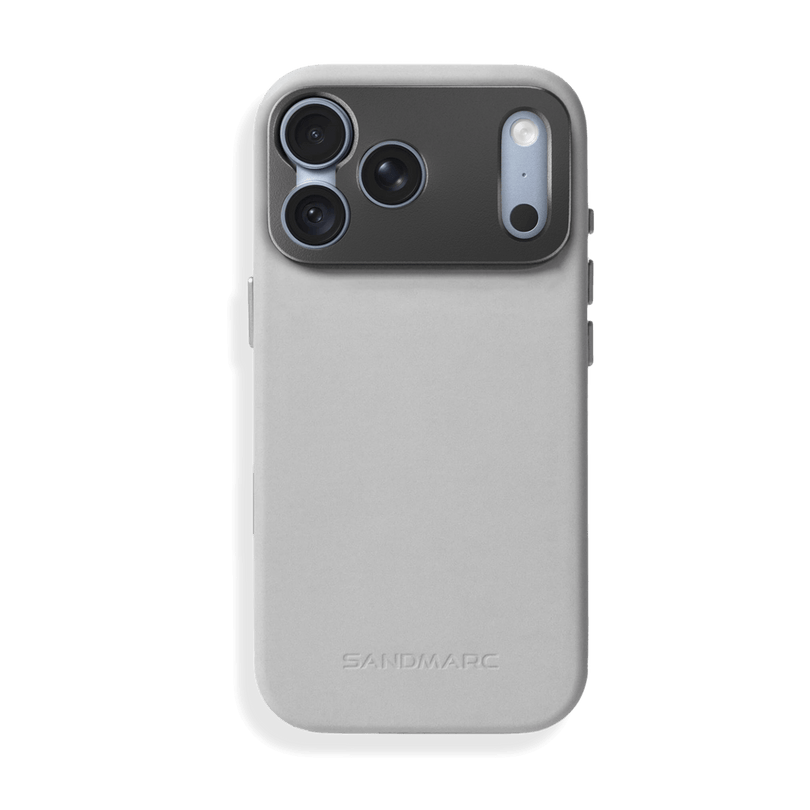
At SANDMARC, we offer Telephoto, Macro, Wide, and Anamorphic lenses that provide a beautiful depth of field for your iPhone videos and photos. Our Telephoto and Macro lenses provide a shallow focus, or shallow depth of field, which showcases a natural, soft bokeh.
Then, our Wide and Anamorphic lenses are designed for deep focus, offering a perfected depth of field ideal for widescreen viewing. Specifically, the Anamorphic lens features a rich, oval bokeh, one of the true marks of an anamorphic lens.
Conclusion: Level Up Your Mobile Filmmaking
Mastering Depth of Field is a foundational skill that separates snapshots from professional imagery. By moving beyond flat, two-dimensional shots, you open up new opportunities to guide your viewer’s eye and elevate your storytelling. It is the "secret sauce" experienced photographers and filmmakers use to create truly engaging visuals. Now, grab your iPhone, experiment with your focus, and see how much depth you can bring to your next creation!
Author's Bio
Born on the California coast, SANDMARC designs gear for those who live life in motion—travelers, photographers, and filmmakers. Every SANDMARC product is thoughtfully designed to elevate how you capture, carry, and experience the world. With a focus on quality and functionality, their blog offers tips, guides, and inspiration to enhance the creative journey.

