




Apple Watch

Apple Watch Band Guide: Pairing Bands Across Series and Ultra Models
Apple Watch Band Guide: Pairing Bands Across Series and Ultra Models
Apple Watch
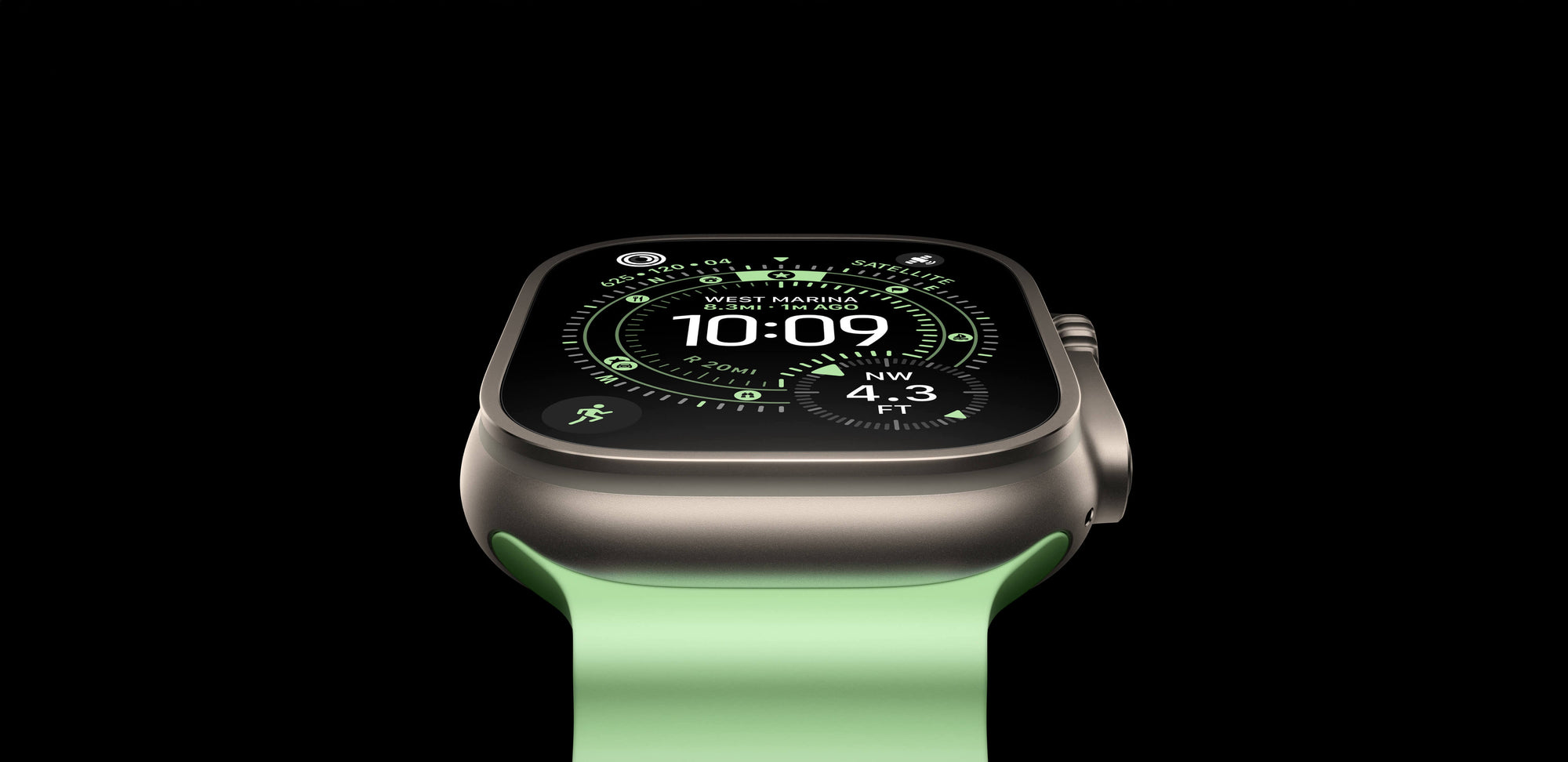
Finding a style of band that you love is one thing, but finding the best quality and exact color to match requires more research. To make it easier, we have paired our best SANDMARC bands with the latest Apple Watch Ultra 4 and Series 12 designs.
Apple Watch Series 12 Bands
For the Apple Watch Series 12, we offer full-grain leather bands in Sand, Brown, and Black to deliver an elevated, timeless style. Each band is crafted from premium full-grain leather and stainless steel hardware, featuring a minimal adapter that integrates seamlessly with your watch casing. Designed to last a lifetime, the leather naturally develops a rich patina and only looks better with age.
Recommended Pairings:
Black Aluminum Apple Watch Series
Black Leather Band
Pearl White Ceramic Apple Watch Series
Sand Leather Band
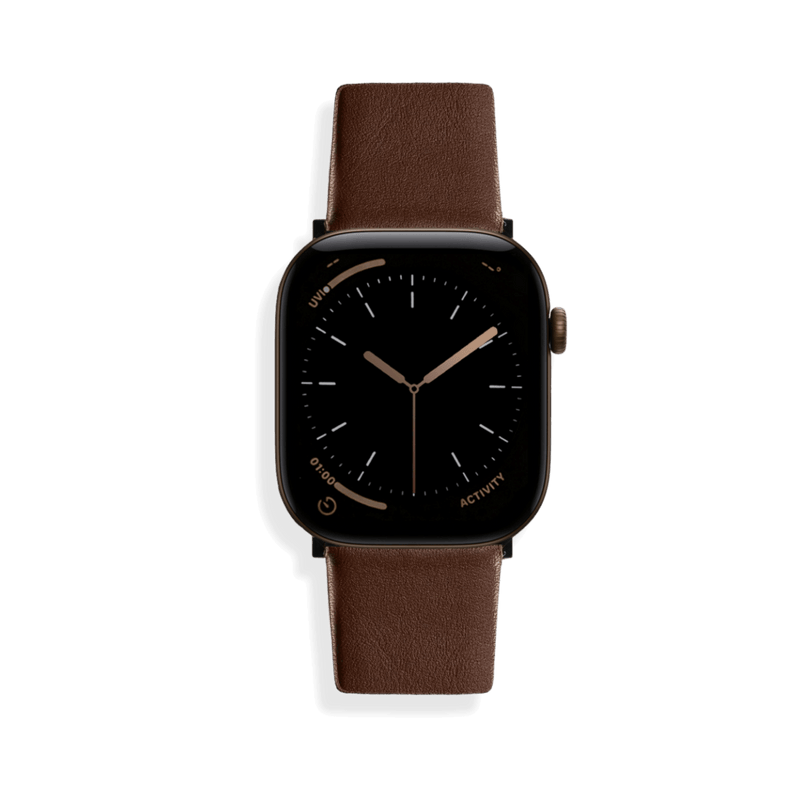
Dark Bronze Aluminum Apple Watch Series
Brown Leather Band
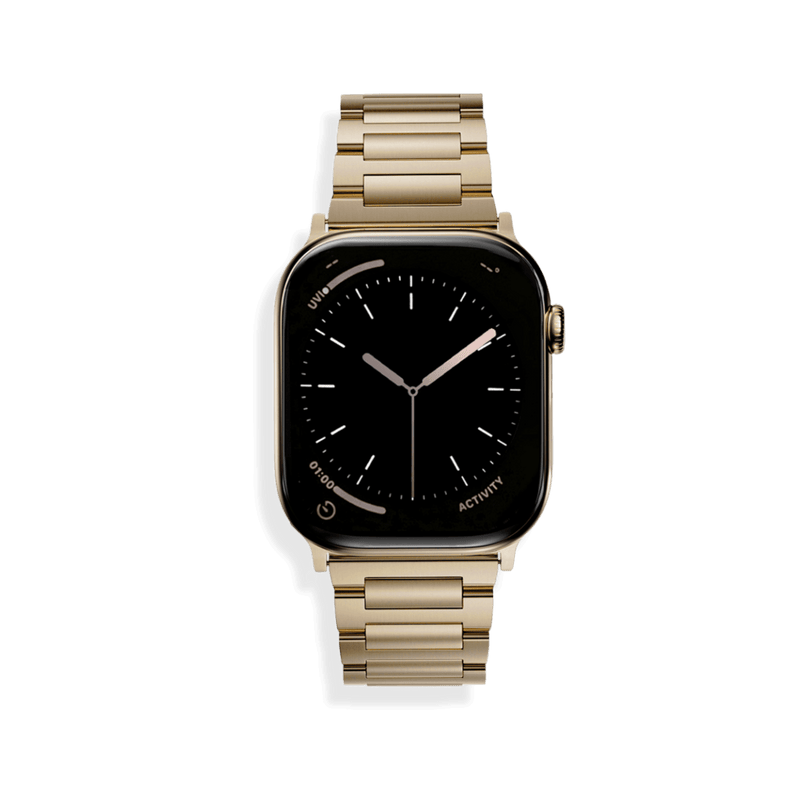
Radiant Gold Titanium Apple Watch Series
Gold Titanium Band
Apple Watch Ultra 4 Bands
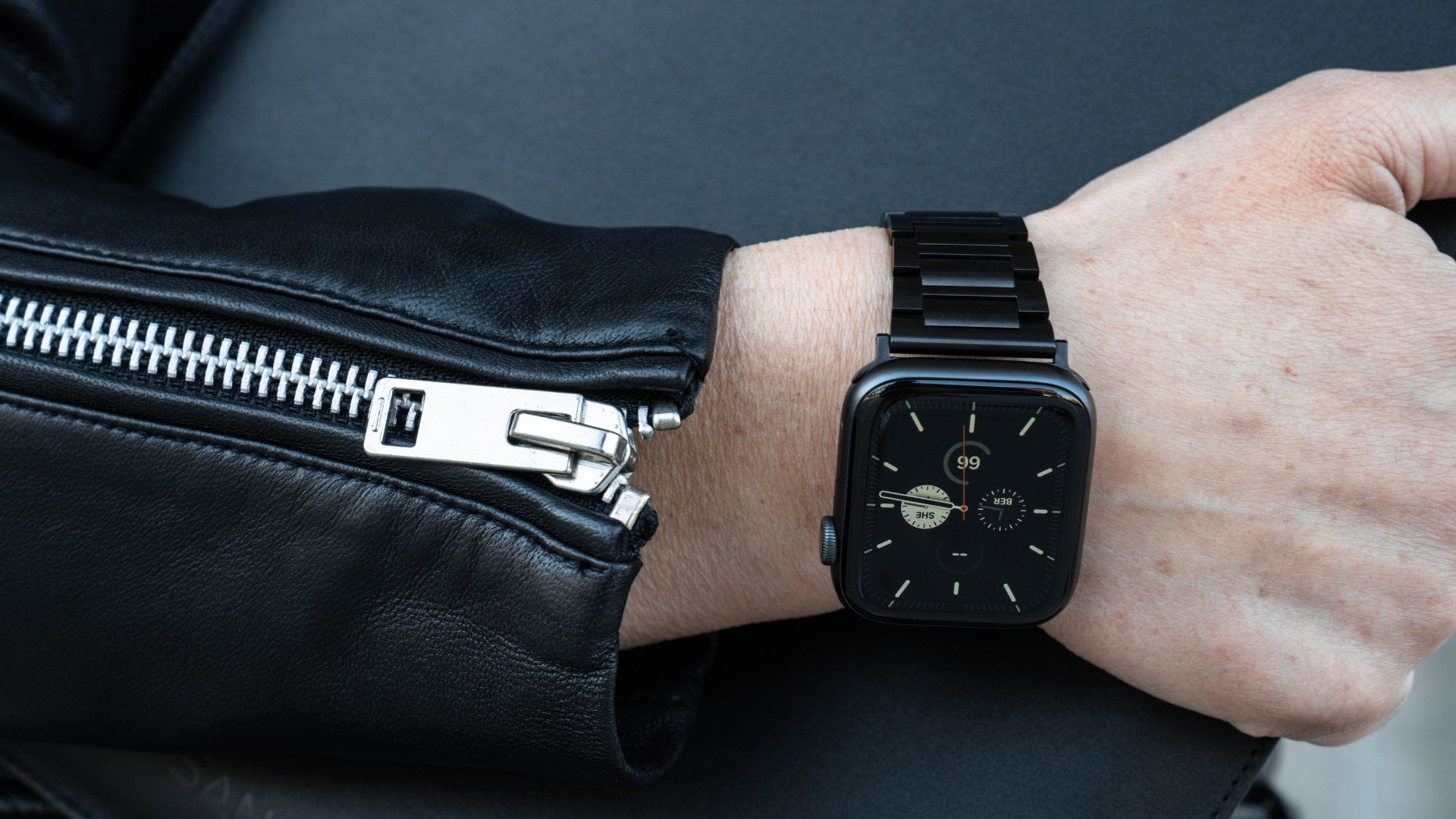
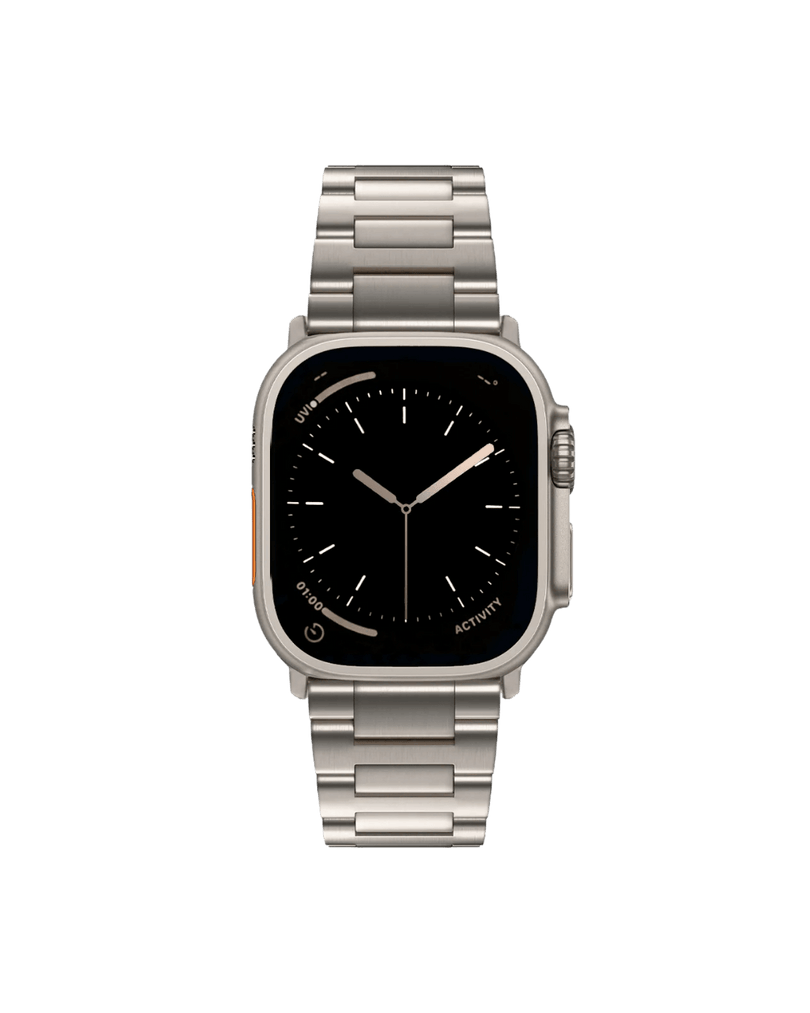
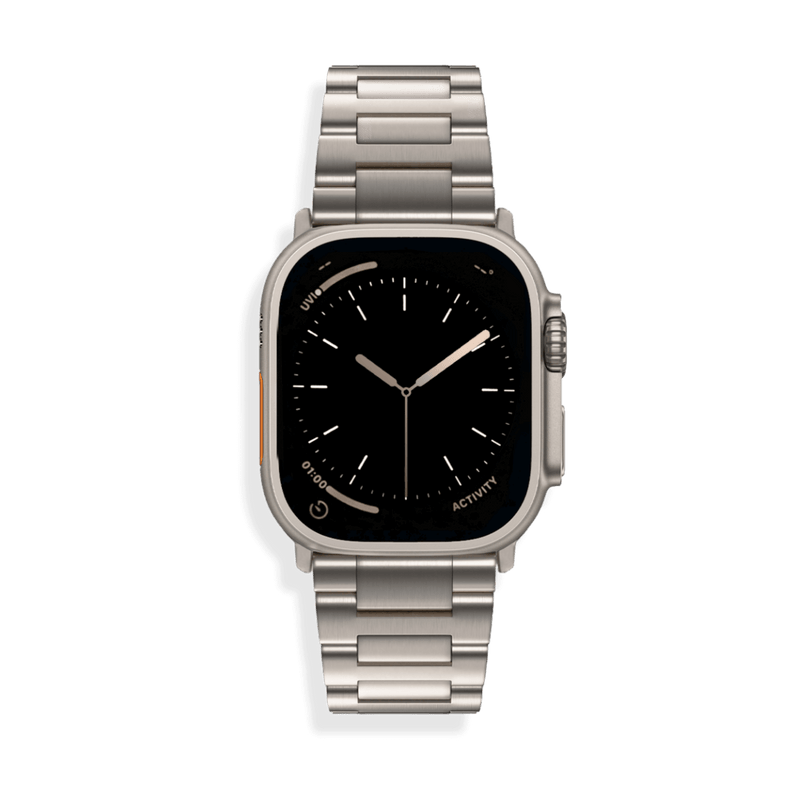
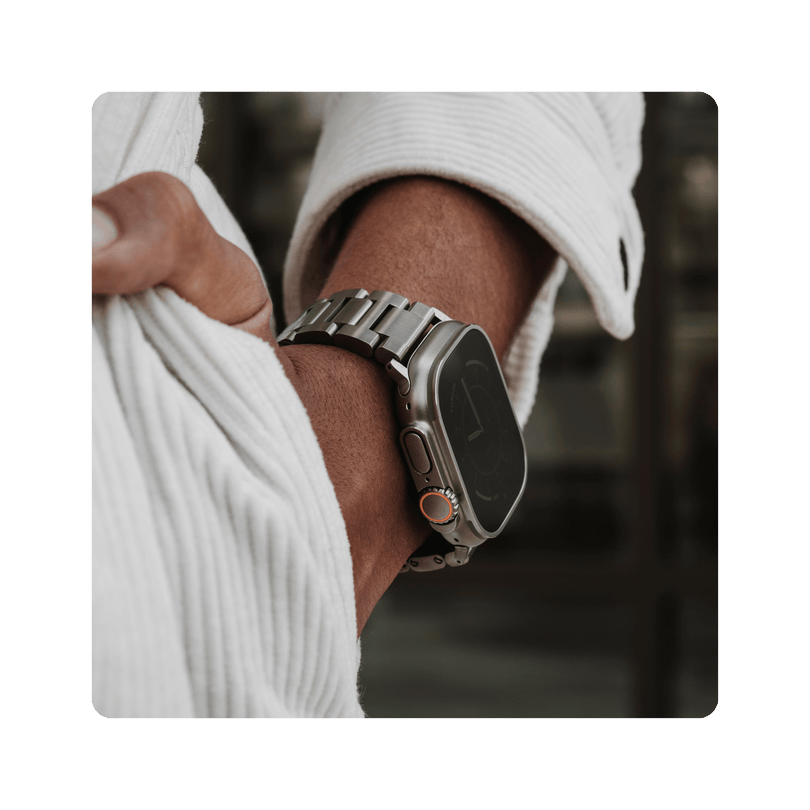
Designed with the precision of a mechanical timepiece, it incorporates a Diamond-Like Carbon (DLC) coating for high corrosion resistance, 100% waterproof performance, and maximum durability. While many bands rely on magnets, loops, or mesh, our secure locking clasp offers a confident fit in any setting, from the office to the outdoors. Because authenticity matters, every band is independently tested by a California lab to guarantee you are getting genuine, pure titanium.
Recommended Pairings:
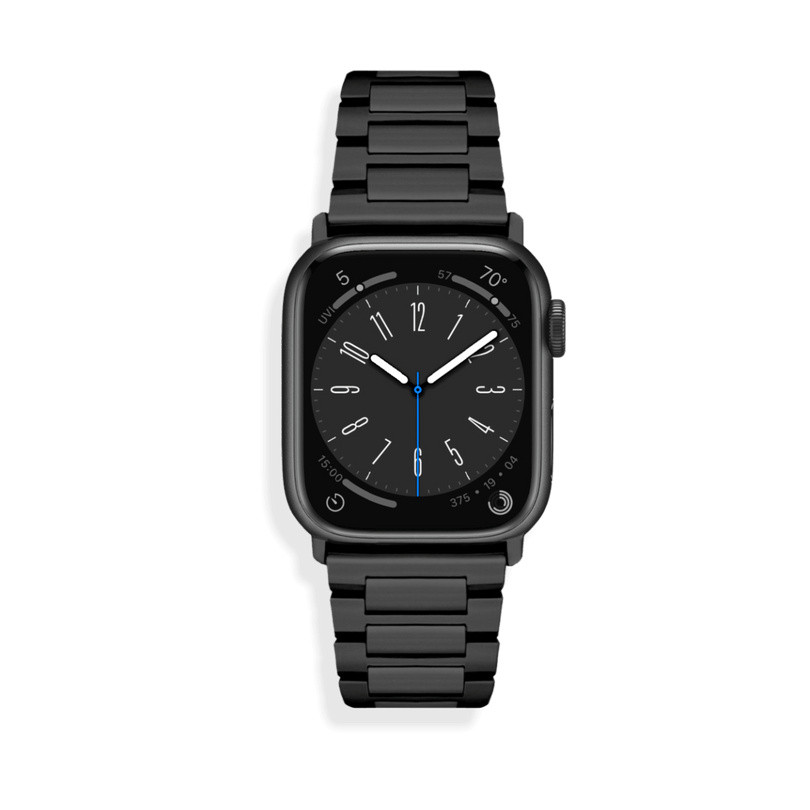
Black Apple Watch Ultra
Black Band Titanium Band
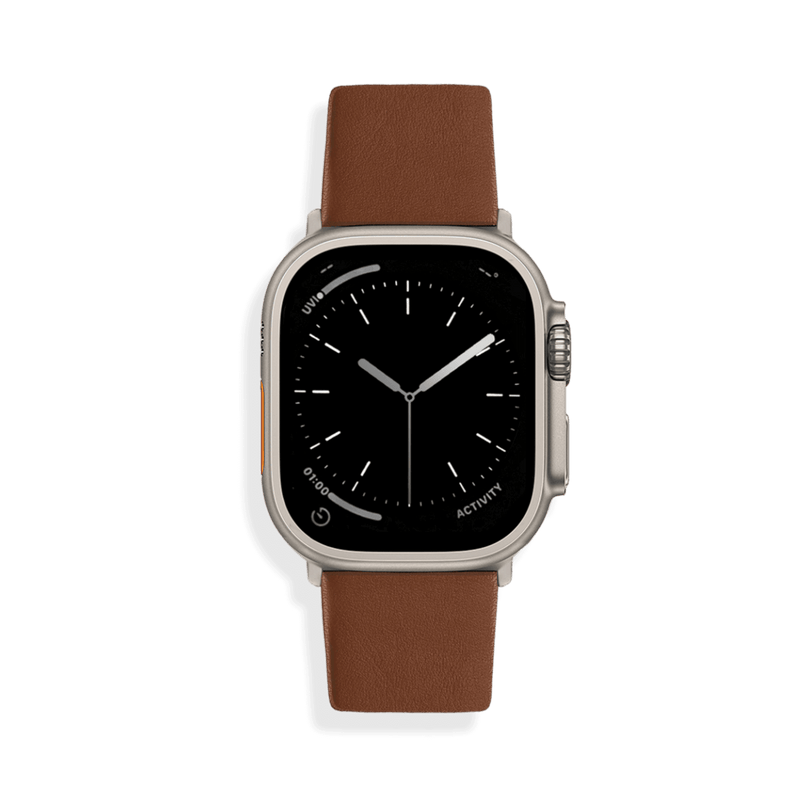
Natural Apple Watch Ultra
Natural Band Titanium Band
Upgrading your Apple Watch shouldn't mean compromising on quality. SANDMARC brings exceptional craftsmanship and style to every band. Check out our full Apple Watch band collection here.
SM
SANDMARC
Creator Tips • SANDMARC Blog
Born on the California coast, SANDMARC designs gear for those who live life in motion. For more insights, explore the SANDMARC blog and find us on Instagram, YouTube or TikTok.

Apple Watch Ultra 4 vs. Ultra 3
The Apple Watch Ultra 3 introduced satellite communications and a wider-angle LTPO3 OLED display with an expanded viewing area. Now, the Apple Watch Ultra 4 builds on that solid foundation. Is it time for an upgrade? Let’s take a deeper look at how the latest Apple Watch Ultra 4 compares to the Ultra 3.

The Best Apple Watch Bands for Every Aesthetic
In this blog, we’ll break down SANDMARC’s lineup of Apple Watch bands and provide ideas to elevate your everyday aesthetic.

10 Hidden Apple Watch Features Most People Still Don't Use
In this blog, we’re highlighting 10 hidden features that most people overlook, some only available on Ultra models, and others available on all models. To dive deeper into any of these, just click the link in each section to be taken directly to Apple's official setup guides.

Apple Watch for Creators: How Filmmakers and Photographers Actually Use It
In this blog, we’ll go over three ways to utilize your Apple Watch to its full potential for easier filmmaking and photography.

Apple Watch Ultra 4: Everything We Know So Far
Projections suggest that Apple is planning to debut the Apple Watch Ultra 4 in September of this year. Rumors and leaks are already circulating about the new features we might see. Here is a roundup of everything we’ve heard so far.