






As an Apple Watch owner, you might only be using about 10% of your device's actual power. The latest models have evolved into proactive health and utility hubs, transforming the watch from a simple notification mirror into a "remote control for your life."
In this blog, we’re highlighting 10 hidden features that most people overlook, some only available on Ultra models, and others available on all models. To dive deeper into any of these, just click the link in each section to be taken directly to Apple's official setup guides.
The Productivity & Navigation Hacks
1. The "Action Menu" Shortcut: Bypass the app screen entirely. Link your Ultra's Action Button to a custom Shortcut to instantly trigger a workout or open your garage door in a single click.
2. Precision Finding (The U3 Chip): Forget just "pinging" your phone. The U3 chip (in the latest models) gives you an actual compass and distance tracker right on your wrist. It’ll lead you straight to your iPhone, even if it’s buried in the couch.
3. Smart Stack Smart Hints: The Smart Stack uses AI to guess what you need. Just flick the Digital Crown, your watch learns your routine and surfaces your weather in the morning, or your music at the gym before you even look for them.
Advanced Health & Wellness (Beyond the Rings)
4. Hypertension Notifications: The Series 11 now monitors your blood pressure in the background. If it spots a 30-day pattern of high pressure, it’ll ping you to chat with your doctor.
5. Sleep Score Deep Dive: Stop obsessing over how long you slept and check your Sleep Consistency score instead. The Apple Watch now tracks how your late-afternoon espresso tanked your recovery, so you can adjust your caffeine cutoff time for optimal sleep.
|
|
|


Secret Gestures
7. The "Wrist Flick" to Go Home: By turning on Wrist Flick, it allows you to dismiss any app or notification and return to the watch face without even touching the screen.
8. Palm to Mute: This feature allows you to quickly cover your Apple Watch face to silence any timer or alarm.
9. Double Tap Hang Gesture: The Double Tap gesture (pinching your thumb and index finger together twice) allows you to interact with the primary button of whatever app is open, like checking off an item from your Reminders list.
Safety & The "Off-Grid" Suite
10. Satellite SOS & Messaging: The Ultra 3 features fully integrated off-grid satellite capabilities. It allows you to send standard iMessages, SMS, or use Find My to update your location non-emergently, provided you have an active cellular plan.
The Apple Watch offers an incredible suite of hidden features, and embracing them is the best way to elevate your daily routine. While mastering everything at once can feel overwhelming, slowly integrating these tricks into your setup will turn your watch from an ordinary gadget into a highly personalized assistant. Pick just two of these hacks to start using today!

Featured Gear
Apple Watch Bands
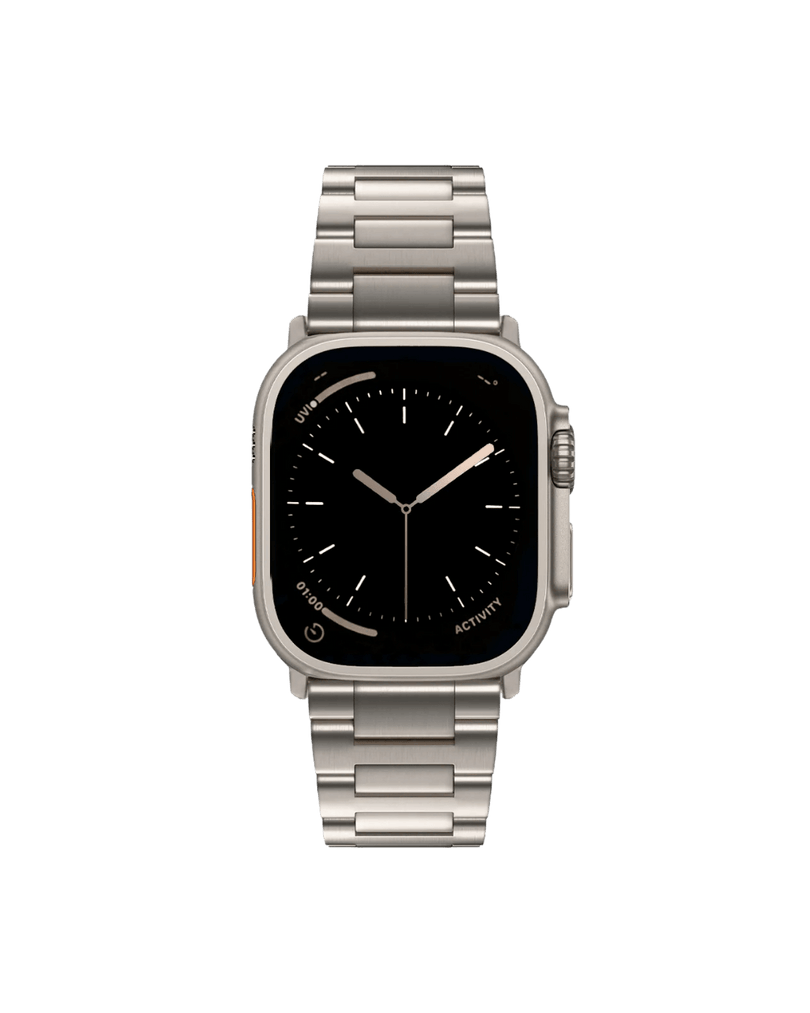
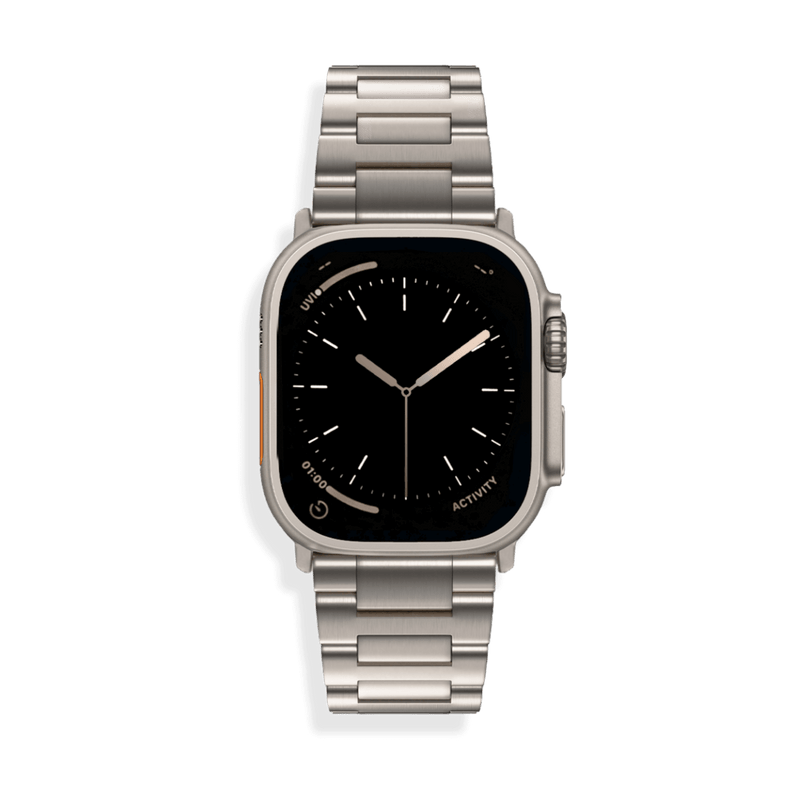
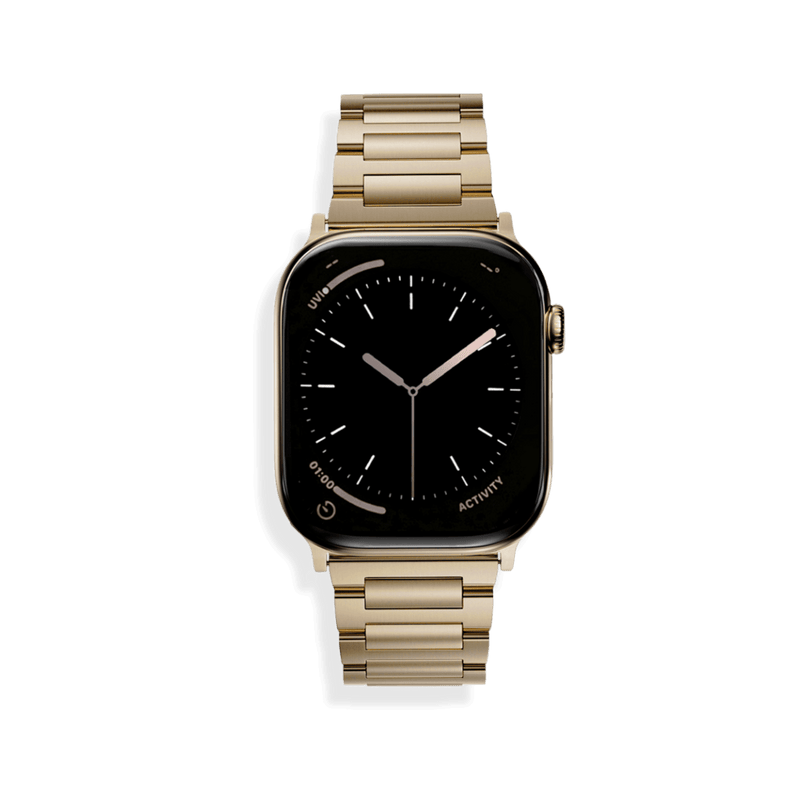
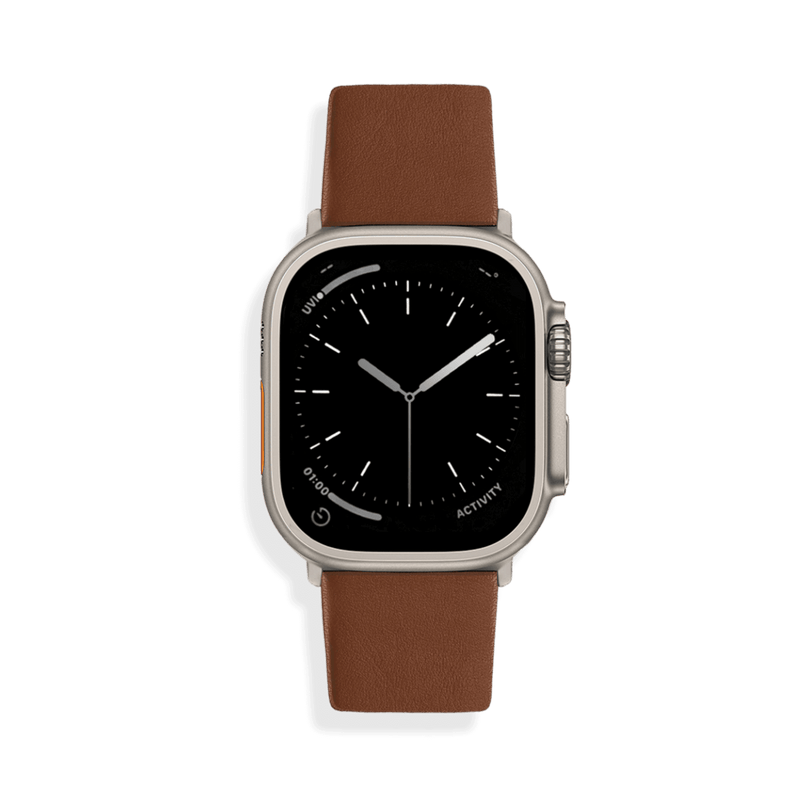
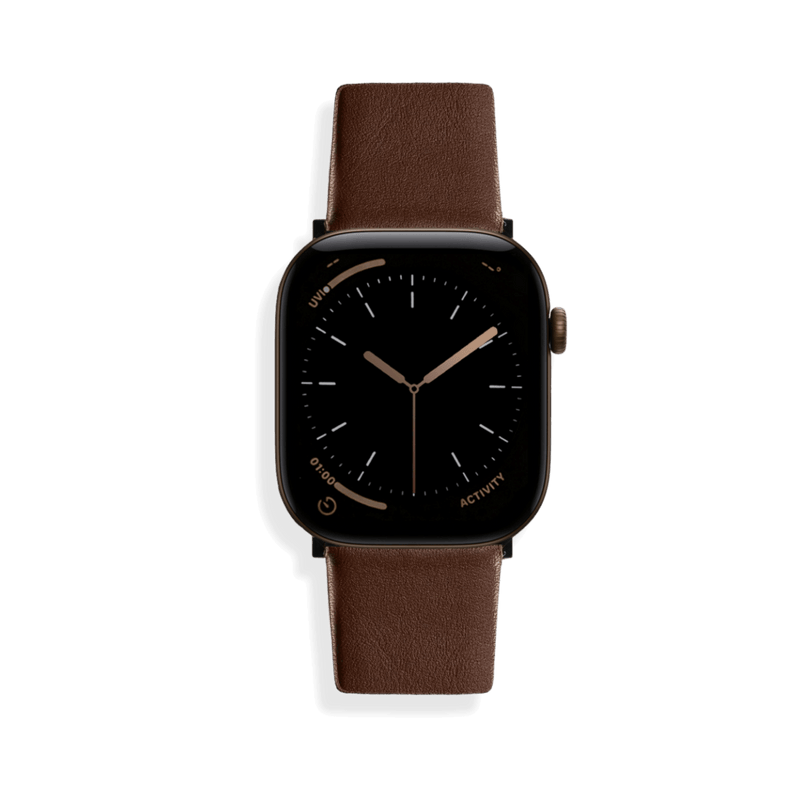
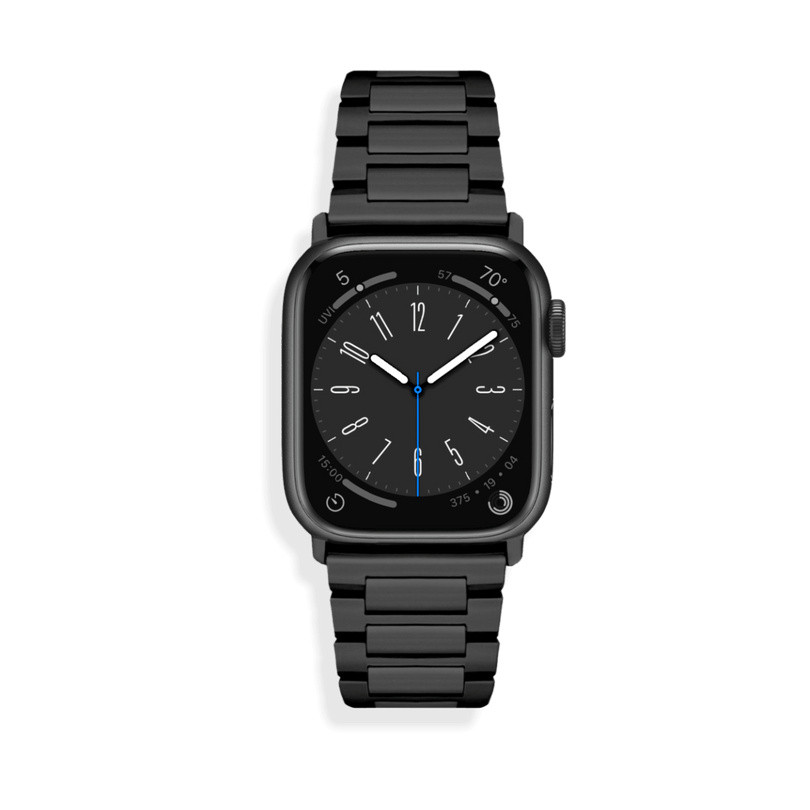
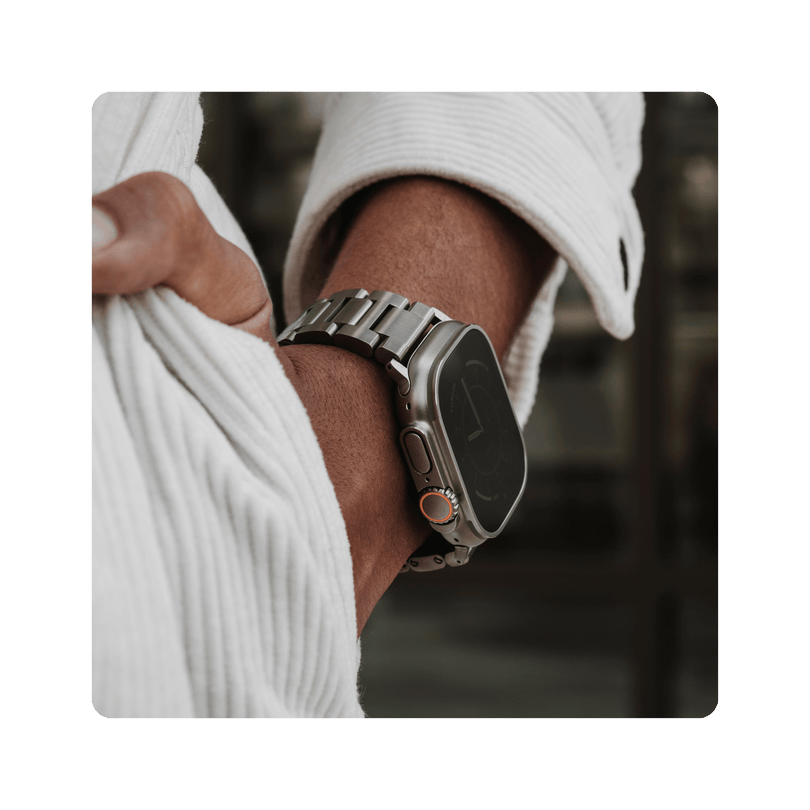
The SANDMARC Apple Watch band collection features premium designs in Titanium, Full-Grain Leather, and Stainless Steel. Each band is crafted to complement your everyday style while providing the durability and comfort needed to keep you focused during long shoots.

SM
SANDMARC
Creator Tips • SANDMARC Blog
Born on the California coast, SANDMARC designs gear for those who live life in motion. For more insights, explore the SANDMARC blog and find us on Instagram, YouTube or TikTok.

