





Whether you’re vlogging solo or have your camera mounted in a hard-to-reach spot, like high on a tripod or low to the ground, you can maintain full control from a distance. Use the Camera Remote app (or professional third-party tools like Filmic Pro or Blackmagic Camera) to monitor your framing, fine-tune exposure, and trigger recording without ever touching the device. In this blog, we’ll go over three ways to utilize your Apple Watch to its full potential for easier filmmaking and photography.
1. Light Metering & Golden Hour Tracking
High-end photographers leverage the Apple Watch to transform their workflow, using it to master the Zone System or track the sun’s path. By utilizing apps like Lightme, photographers can turn their wrist into a digital light meter, an essential tool for manual film photography that allows for instant spot-metering and tonal range mapping.
For environmental planning, PhotoPills harnesses the watch’s compass and GPS to pinpoint the exact trajectory of the sun or the Milky Way, while the Golden Hour app provides alerts 15 minutes before the "perfect light" fades. Moving these utilities to the watch minimizes "tech friction," keeping your hands free and your focus entirely on the creative process during those fleeting moments of peak illumination.
2. The "Marker for Creators" Workflow
If you’re a creator who films long interviews or podcasts, you can use your Apple Watch as a remote logging tool to drop timecode markers in real-time via Blackmagic Camera. By simply tapping your wrist during a recording, you flag key moments, like a perfect soundbite or a mistake that needs a retake, without ever breaking eye contact with your subject.
The real magic happens in the edit suite. When your footage has the markers directly on your timeline, it instantly highlights the "good takes." This eliminates the need to scrub through hours of raw footage, potentially saving you a full day of post-production labor on every project.
3. Hands-Free Communication
Beyond simple notifications, the Apple Watch serves as a professional communication and control hub that streamlines on-set logistics. Walkie-Talkie mode allows for instant, hands-free coordination, while Trello or Notion integrations push real-time shot-list updates.
This level of control extends to specialized hardware through apps like DJI Mimo and Insta360, which transform the watch into a remote dashboard and Live View monitor. Whether you are using a virtual on-screen joystick to re-center a gimbal from center-stage or utilizing the Double Tap gesture to trigger a shutter on a ten-foot extension pole, the watch ensures you stay connected to your gear and your team without ever breaking your creative focus.

The Apple Watch is an essential tool for the solo creator, street photographer, and mobile filmmaker; it transforms into a vital personal assistant that makes capturing the perfect shot significantly easier. Integrating these apps into your workflow will undoubtedly fine-tune your production experience, allowing every shoot to feel more seamless and intuitive.
Featured Gear
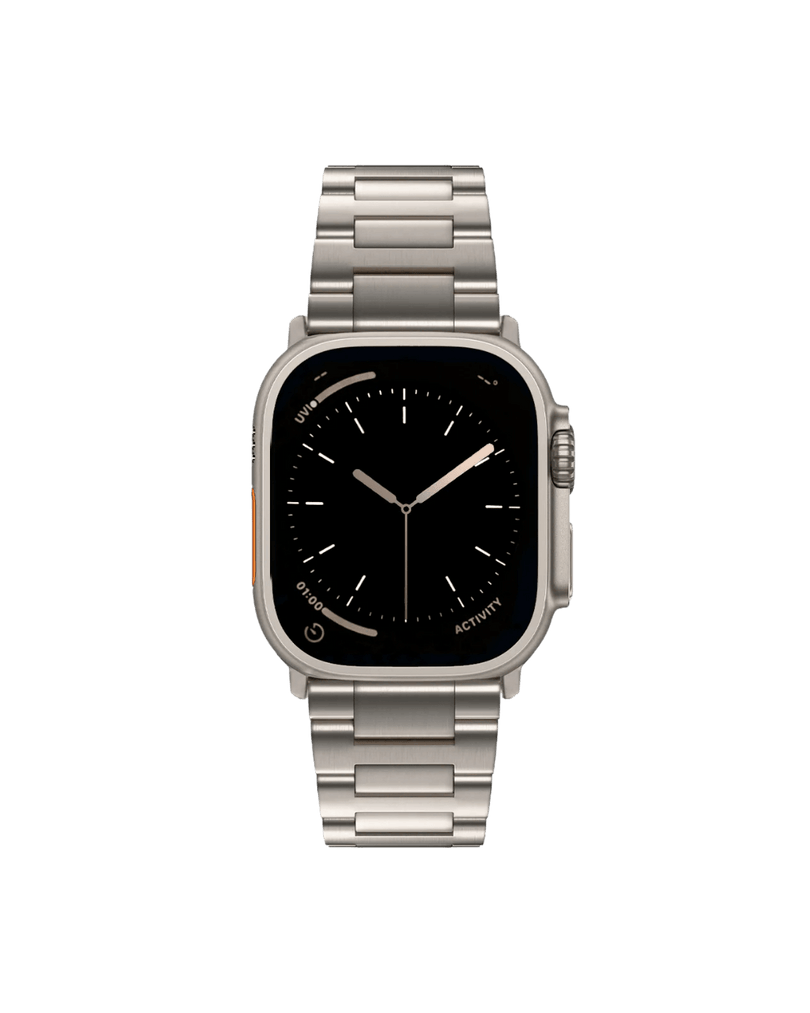
Apple Watch Bands
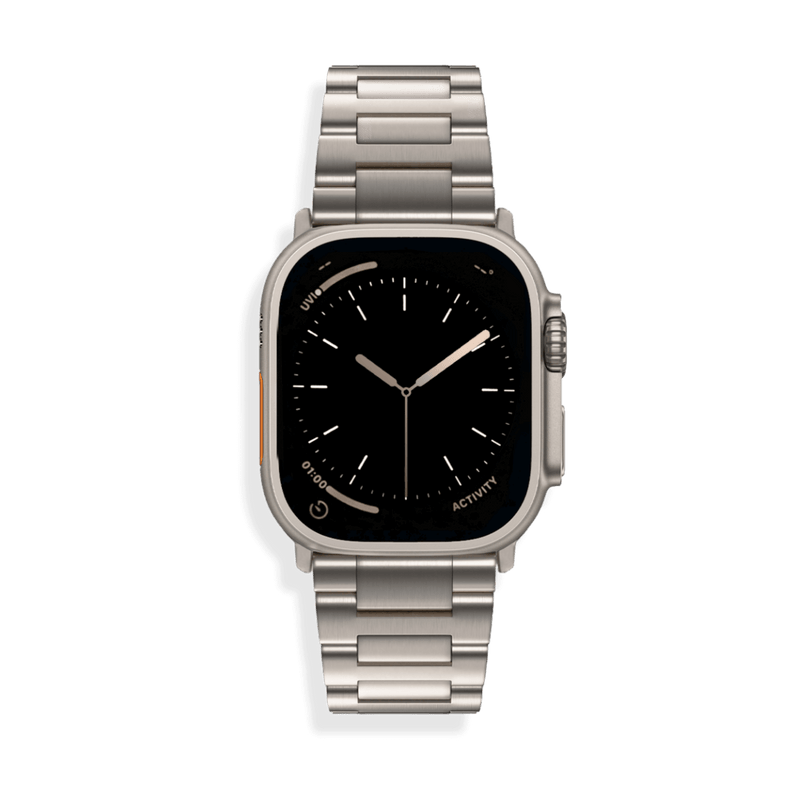
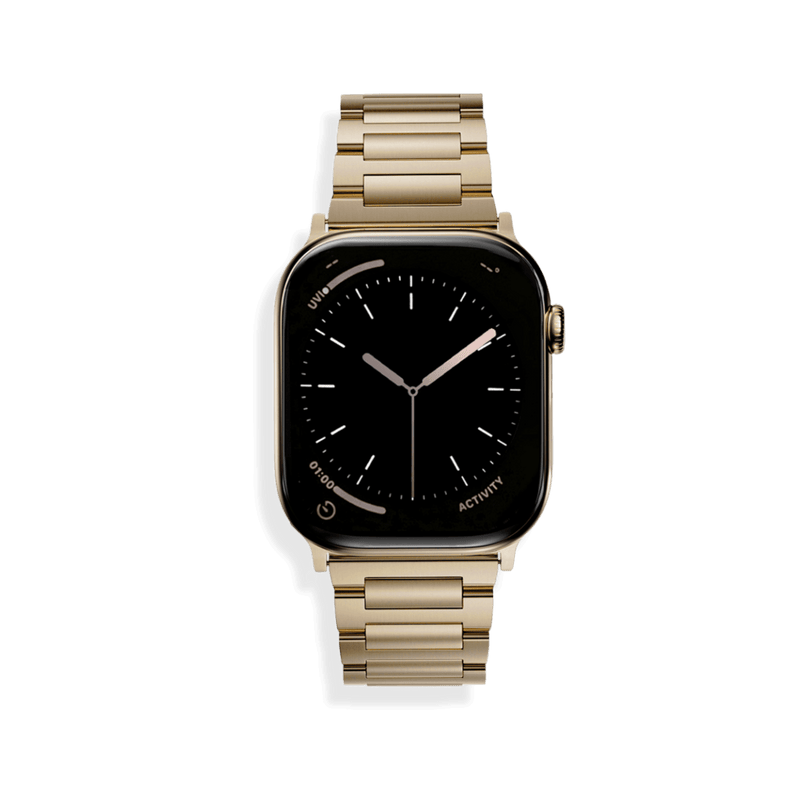
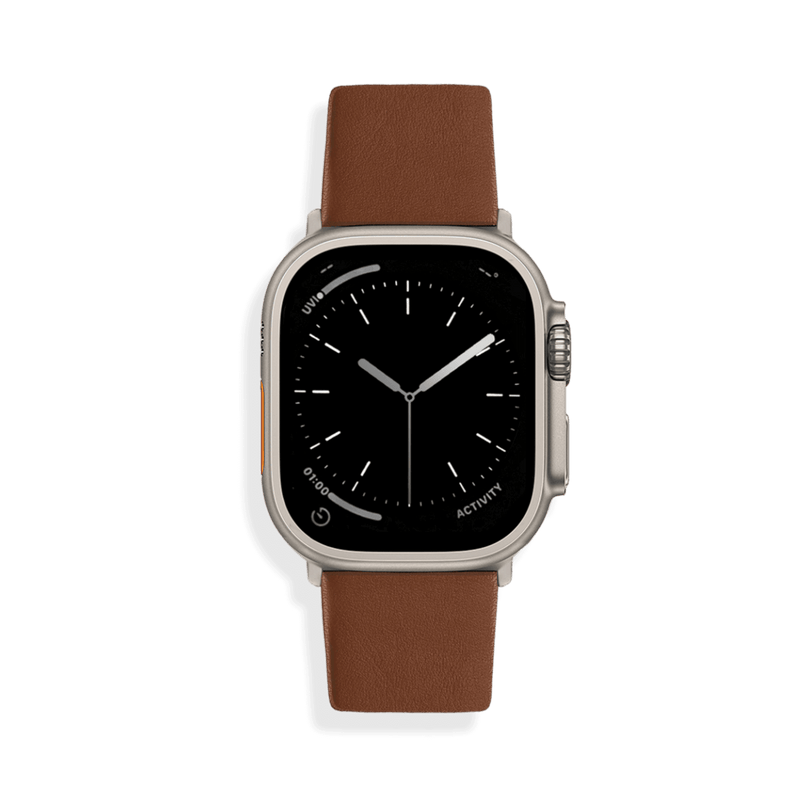
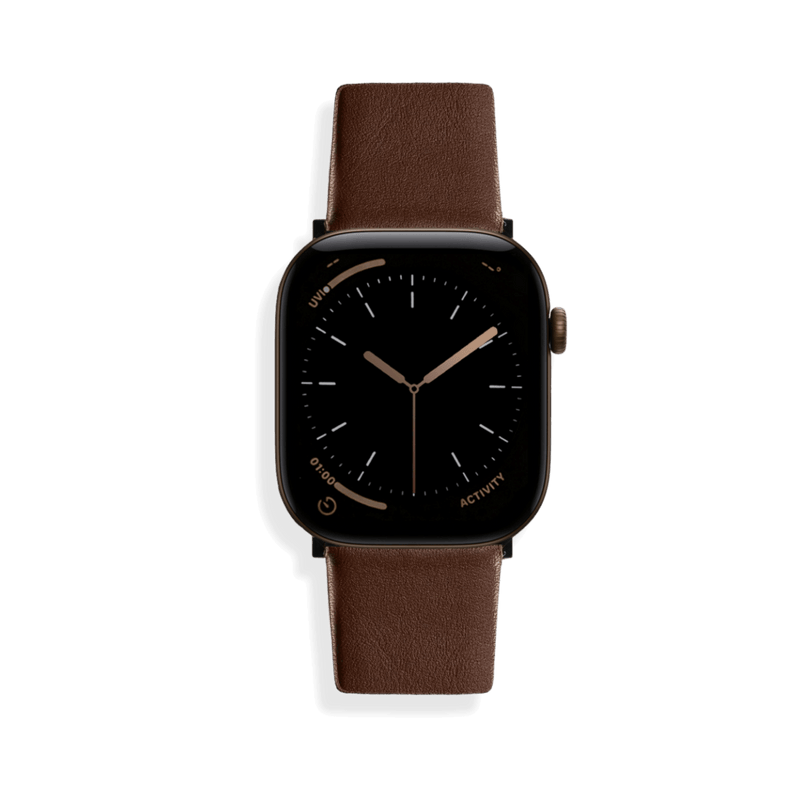
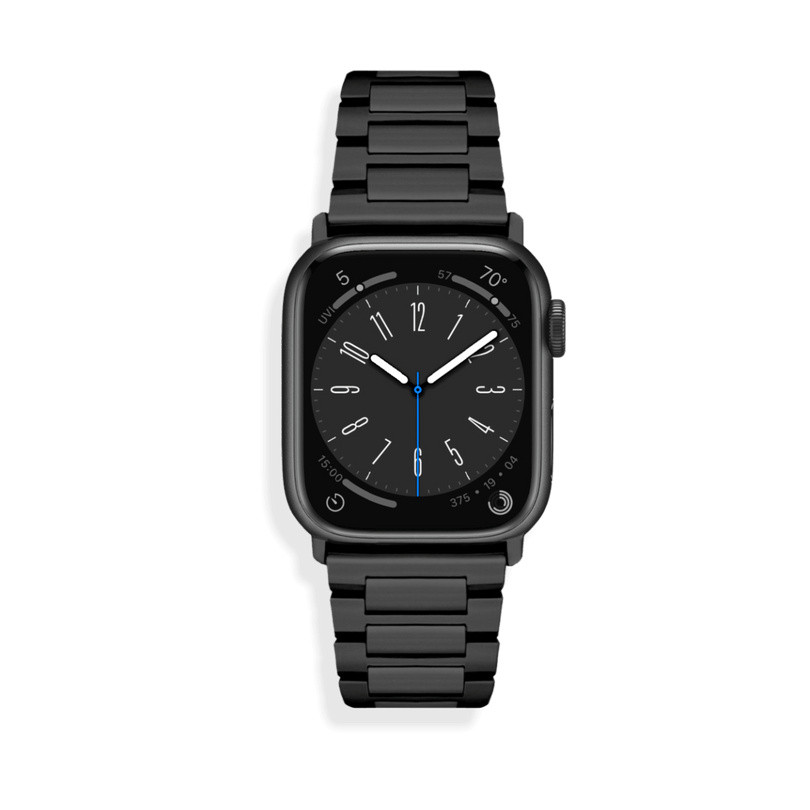
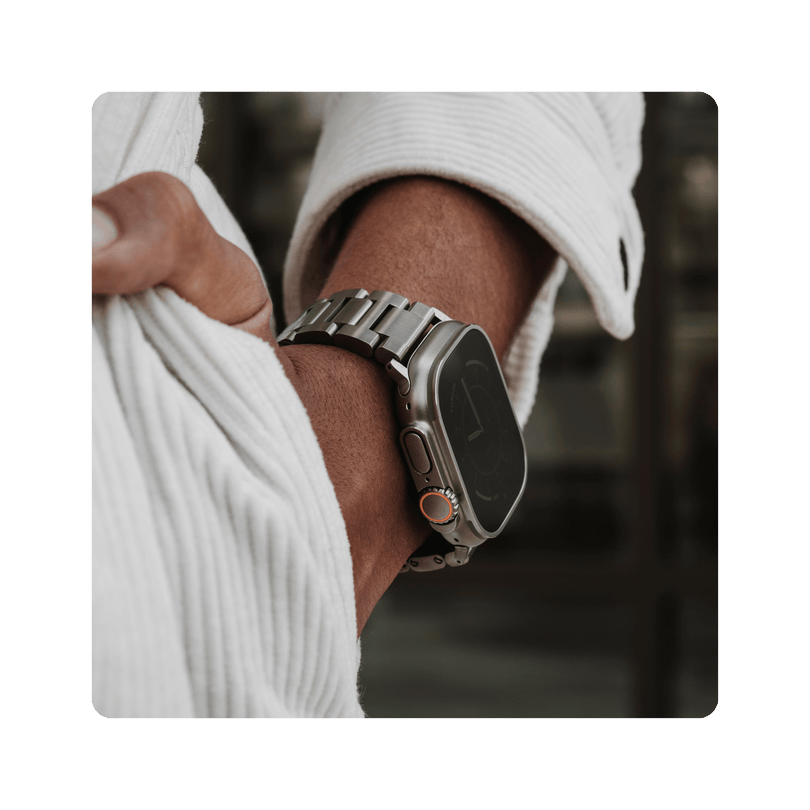
The SANDMARC Apple Watch band collection features premium designs in Titanium, Full-Grain Leather, and Stainless Steel. Each band is crafted to complement your everyday style while providing the durability and comfort needed to keep you focused during long shoots.

SM
SANDMARC
Creator Tips • SANDMARC Blog
Born on the California coast, SANDMARC designs gear for those who live life in motion. For more insights, explore the SANDMARC blog and find us on Instagram, YouTube or TikTok.

