



















How to Capture Photo and Video on iPhone for Beauty Creators
Pro-Level Content for Makeup Artists, Lash Techs, Skincare Creators & Beauty Influencers
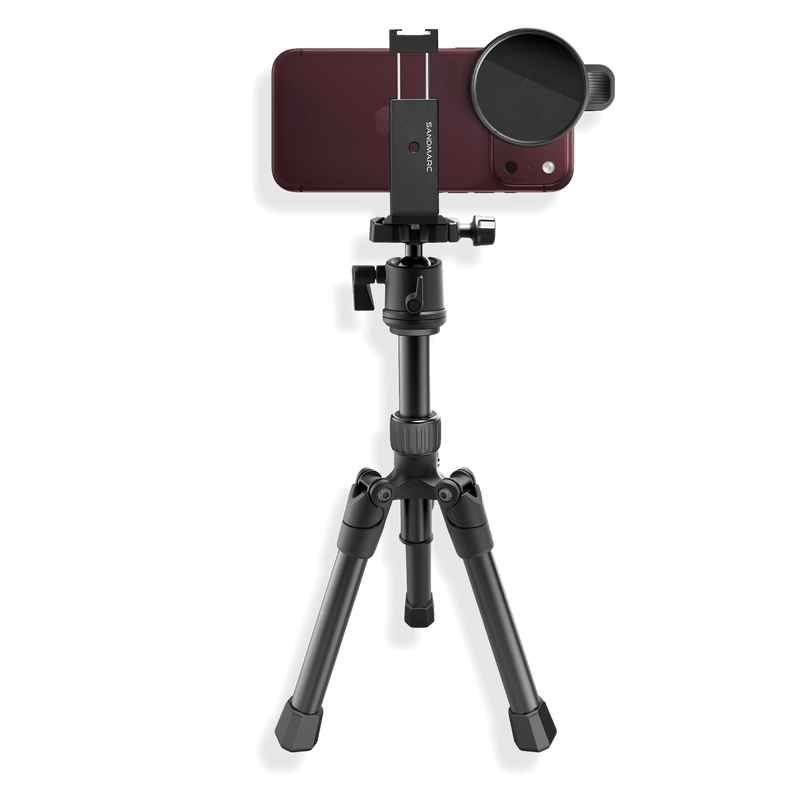
Clients book what they see. High-quality photo and video content is one of the most powerful ways to attract beauty clients and showcase your expertise. The right gear ensures your detailed work is captured accurately and professionally on iPhone. In this guide, we’ll cover the best tools for beauty creators to elevate their content and create polished, client-ready visuals.
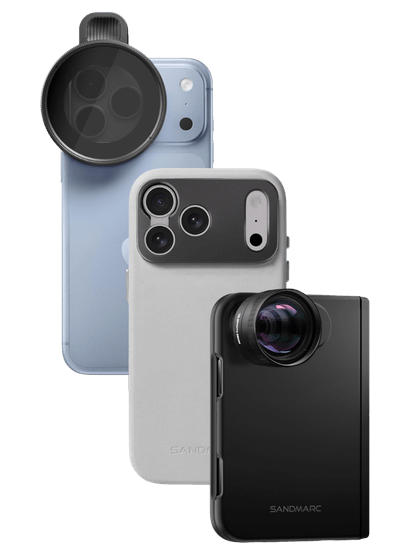
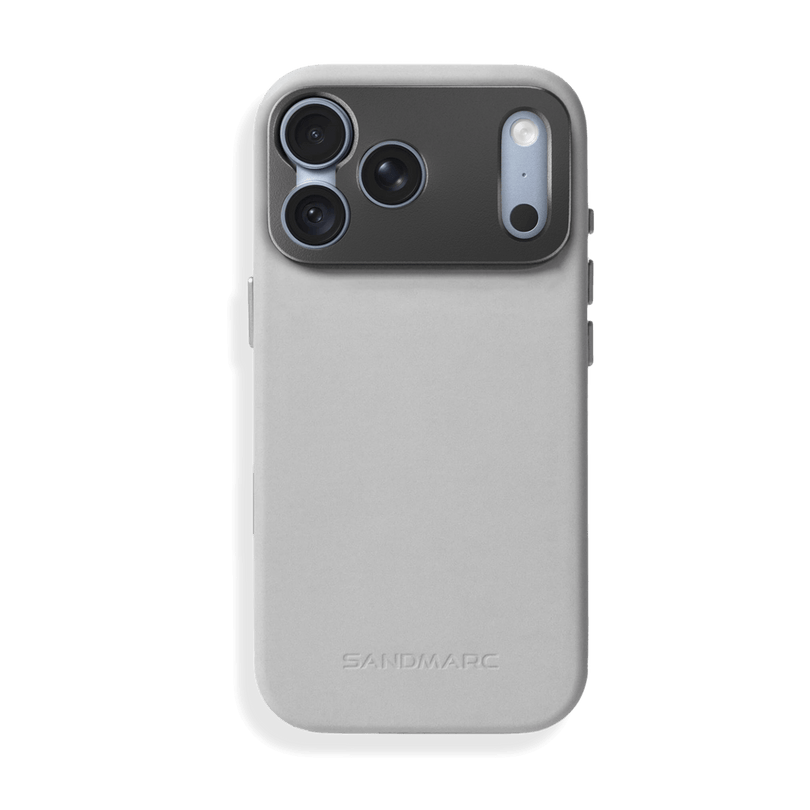
Best iPhone Lenses for Beauty Photography & Videos
- Telephoto Lens (Flattering Close-Ups)
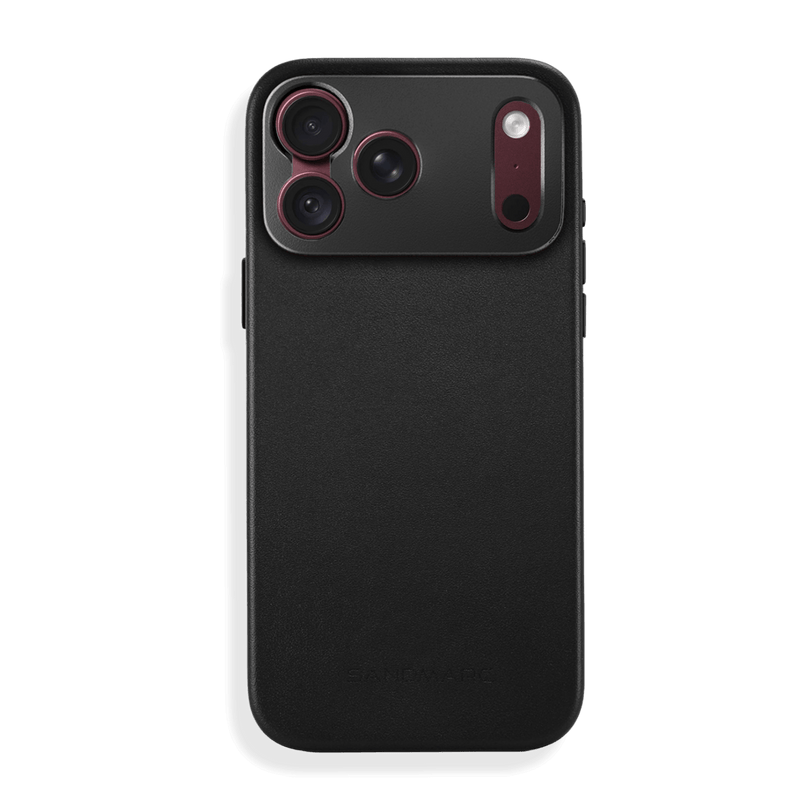
The Telephoto Lens is ideal for full-face close-ups, allowing viewers to see the finished look as a whole rather than focusing solely on fine details. Unlike the native 0.5x wide lens, which can subtly stretch facial features and exaggerate proportions when shooting up close, a telephoto perspective compresses the image for more natural-looking results. This creates balanced facial proportions and a polished, editorial-style portrait that feels professional rather than distorted.
It’s especially effective for before-and-after shots, making it a great option for hairstylists and makeup artists who want to capture professional images of their clients while maintaining a comfortable shooting distance.
- Wide Lens (Studio & GRWM Setups)
The Wide Lens is perfect for capturing full salon aesthetics, GRWM setups, and detailed beauty stations. It allows you to frame mirrors, product shelves, ring lights, and client chairs all in one shot. It is ideal for tutorials, transformations, and before-and-afters. The wider field of view also helps when filming in tighter studio spaces.
- Macro Lens (Extreme Detail Shots)
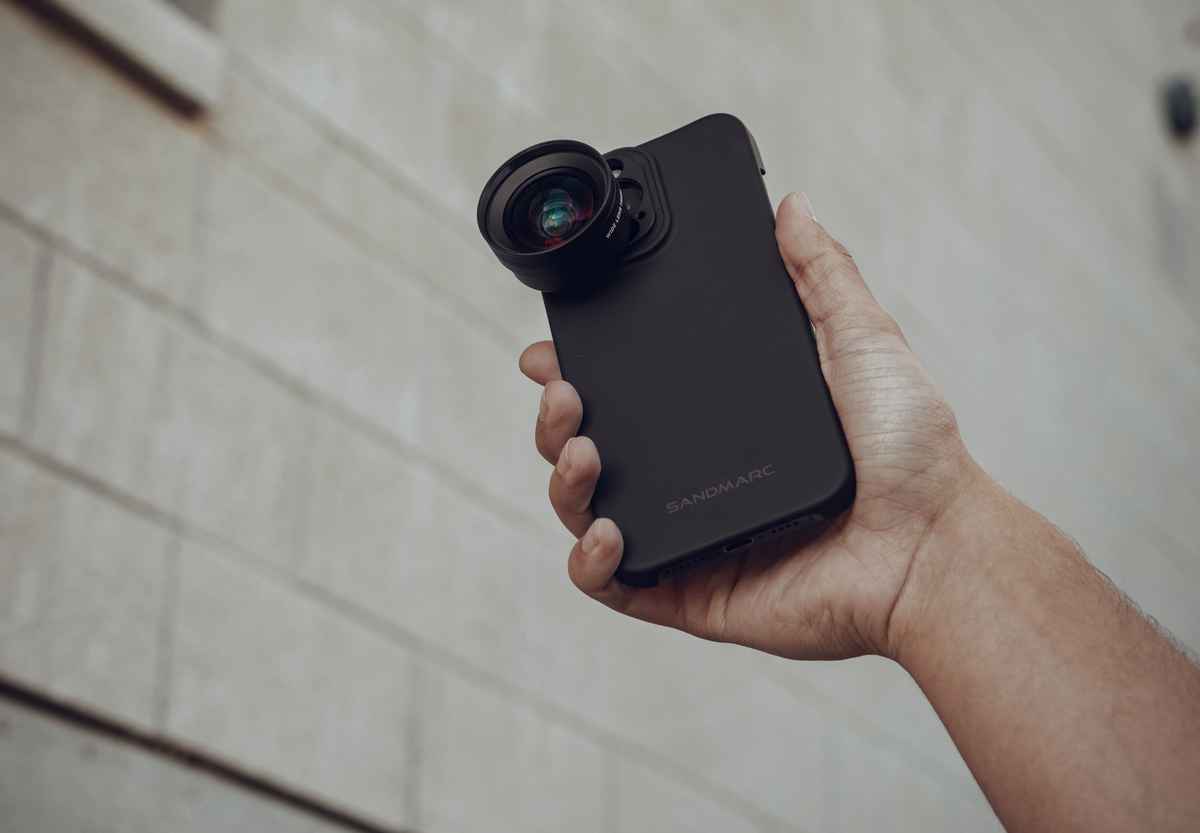
The Macro Lens captures ultra-close, highly detailed shots, making it perfect for showcasing product swatches, skin texture, lash extensions, or intricate nail art. While digital zoom may seem convenient, it simply crops into the image and reduces resolution, often softening fine details like lash placement or nail precision. A true macro lens provides real optical magnification, preserving clarity and sharpness so every detail remains crisp and intentional.
For beauty professionals, this level of precision highlights craftsmanship and elevates the overall quality of your photos and videos.
For beauty professionals, this level of precision highlights craftsmanship and elevates the overall quality of your photos and videos.
Using Drama & Retro Filters for Soft, Glowy Skin on Video
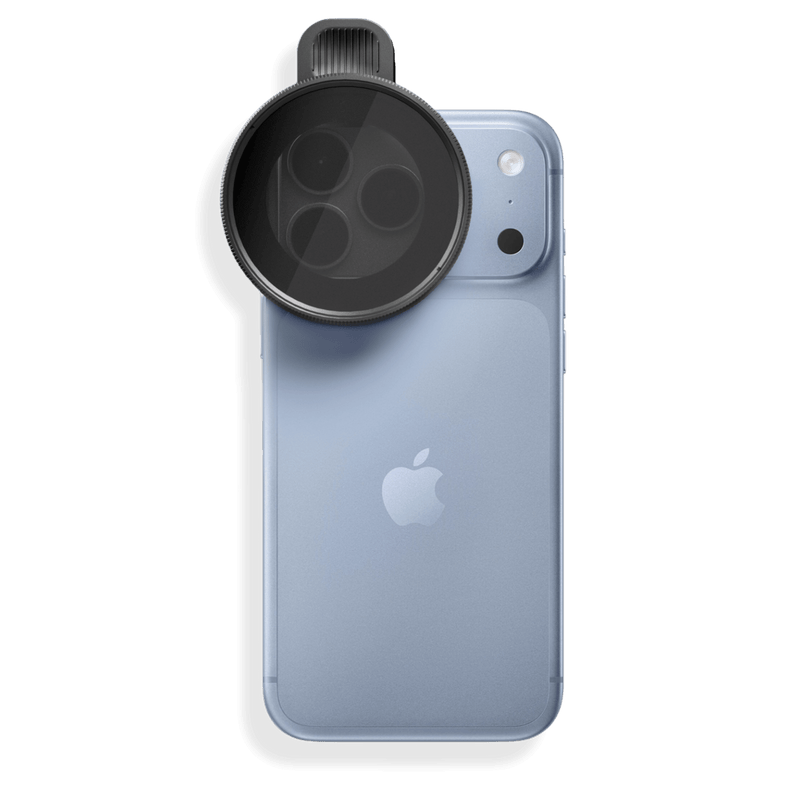
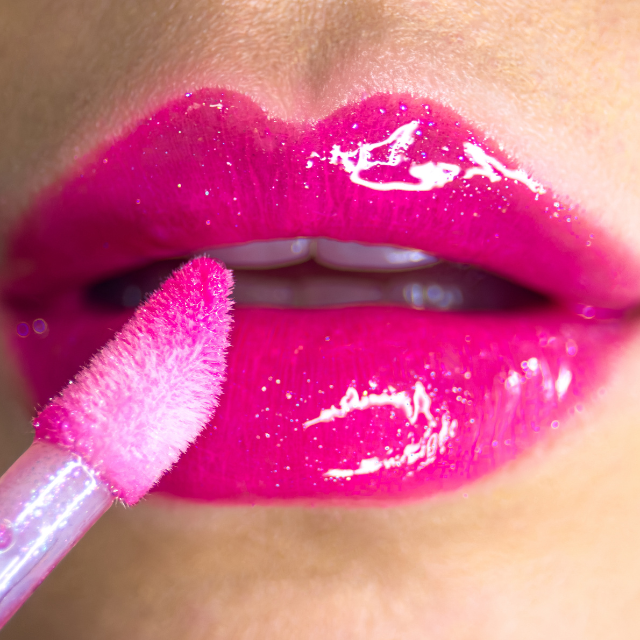
Beauty videos can often look too digitally sharp, which can exaggerate skin texture and make highlights appear harsh under bright lighting. Modern smartphone cameras are designed for clarity, but that sharpness isn’t always flattering for close-up beauty work. Adding a SANDMARC Drama Filter or Retro Filter helps soften highlights, bloom bright light sources, and create a more natural, diffused look while keeping skin tones true to life.
If you’re shooting near windows, the Drama Filter is especially helpful for reducing reflections and controlling harsh natural light. This allows you to maintain balanced exposure, prevent blown-out highlights, and achieve a polished, professional finish without relying heavily on post-editing.
If you’re shooting near windows, the Drama Filter is especially helpful for reducing reflections and controlling harsh natural light. This allows you to maintain balanced exposure, prevent blown-out highlights, and achieve a polished, professional finish without relying heavily on post-editing.
Lighting Setup for Beauty Creators
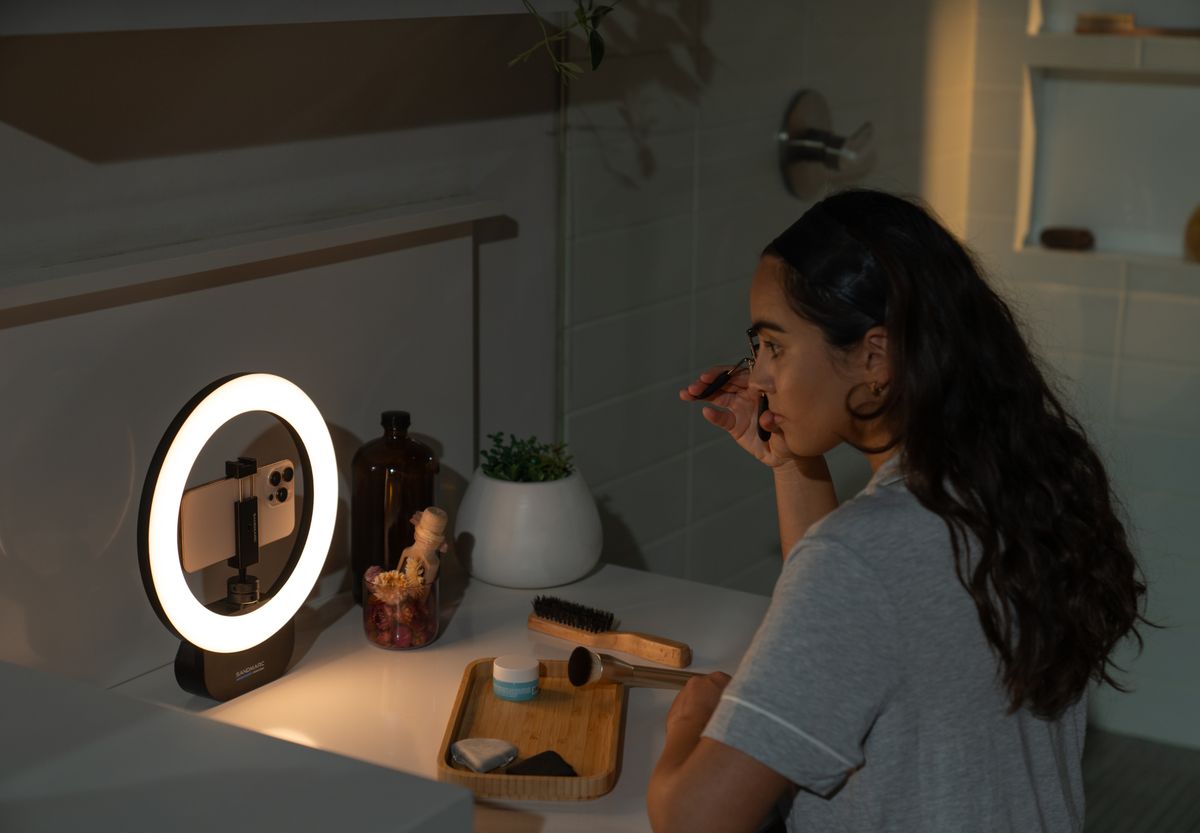
Lighting is essential for capturing detail as a makeup artist, lash tech, skincare creator, or beauty influencer. The Ring Light offers balanced lighting that brightens your image while minimizing shadows and glare. Natural window light creates a soft look, while artificial light provides consistency and control.
A ring light works best for portrait-style shots and even face illumination, especially when positioned at eye level. The Pro Light is ideal for macro details like lash installs ,skincare texture or nail art details. Using both together creates a dynamic, well-balanced setup. Adjust angles slightly to avoid shine hotspots, for example frontal lighting flatters foundation and skincare, while subtle side angles highlight lash precision.
A ring light works best for portrait-style shots and even face illumination, especially when positioned at eye level. The Pro Light is ideal for macro details like lash installs ,skincare texture or nail art details. Using both together creates a dynamic, well-balanced setup. Adjust angles slightly to avoid shine hotspots, for example frontal lighting flatters foundation and skincare, while subtle side angles highlight lash precision.
Best iPhone Camera Settings for Beauty Creators: Lighting, Resolution & Pro Tips
When filming beauty videos on iPhone, start by shooting in 4K to give yourself flexibility for cropping and maintaining sharp detail. Lock exposure to keep skin tones consistent, and use Cinematic Mode carefully, it's best for controlled shots, like showing the studio setup or capturing a portrait shot. It is not recommended for fine-detail shots, such as macro photography. Lastly, skip heavy skin smoothing, keep your color grading subtle and consistent with your brand, and aim to capture it correctly in-camera so you spend less time editing while maintaining natural texture.
Once you have an idea of the settings, lenses, and filters you want to use, it’s time to brainstorm photo and video concepts. In the video below, she shares ideas specifically for hairstylists, but many of the concepts are transferable to any beauty specialist.
Once you have an idea of the settings, lenses, and filters you want to use, it’s time to brainstorm photo and video concepts. In the video below, she shares ideas specifically for hairstylists, but many of the concepts are transferable to any beauty specialist.
Elevating Your Beauty Content with Better Visuals
Clean, intentional content reflects professionalism and precision as a beauty expert. Whether you specialize in nails, lashes, makeup, or hair, elevated visuals help build trust, attract higher-value clients, and strengthen your brand. Investing in quality gear isn’t just about better content, it’s about positioning your business to grow.
Capture with SANDMARC Camera App
The SANDMARC app brings your entire creative workflow into a single, seamless experience, eliminating app juggling and creative guesswork. Built from the ground up specifically for SANDMARC lenses, it bridges the gap for everyone from first-time shooters to seasoned professionals.
Take complete command of your frame: dial in your exposure, lock onto subjects with precise manual focus, adjust shutter speed to capture or blur motion, manage ISO for any lighting condition, and fine-tune white balance for perfectly true-to-life color. Everything you need to shoot, learn, and grow is in one place.
Take complete command of your frame: dial in your exposure, lock onto subjects with precise manual focus, adjust shutter speed to capture or blur motion, manage ISO for any lighting condition, and fine-tune white balance for perfectly true-to-life color. Everything you need to shoot, learn, and grow is in one place.
Author's Bio
Born on the California coast, SANDMARC designs gear for those who live life in motion—travelers, photographers, and filmmakers. Every SANDMARC product is thoughtfully designed to elevate how you capture, carry, and experience the world. With a focus on quality and functionality, their blog offers tips, guides, and inspiration to enhance the creative journey.

