
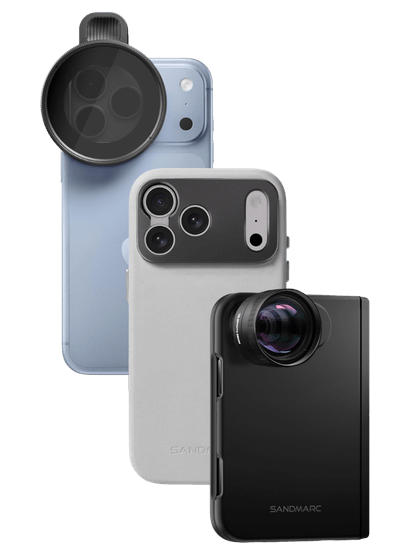
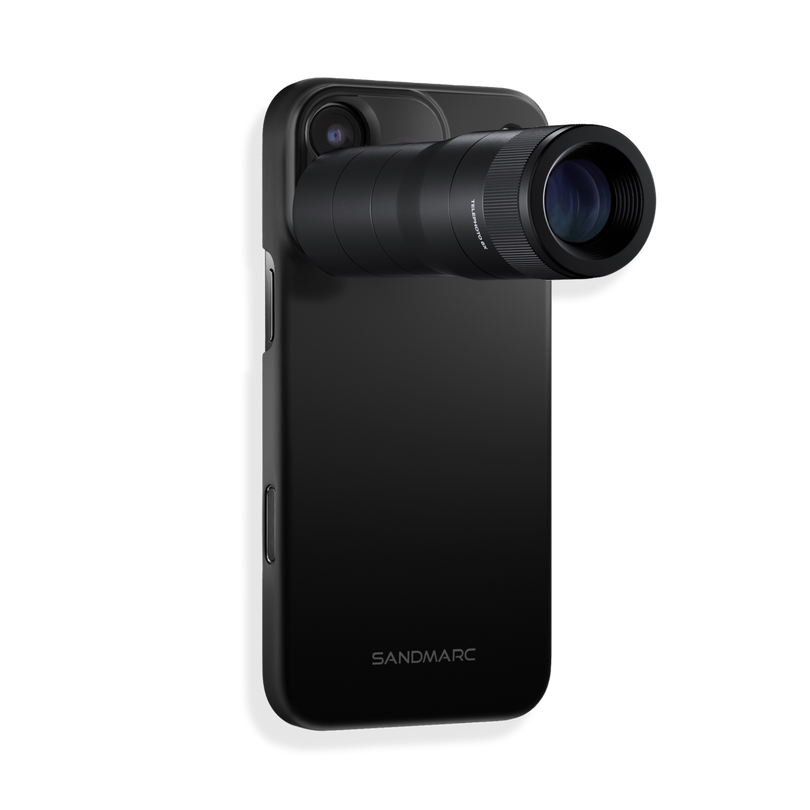
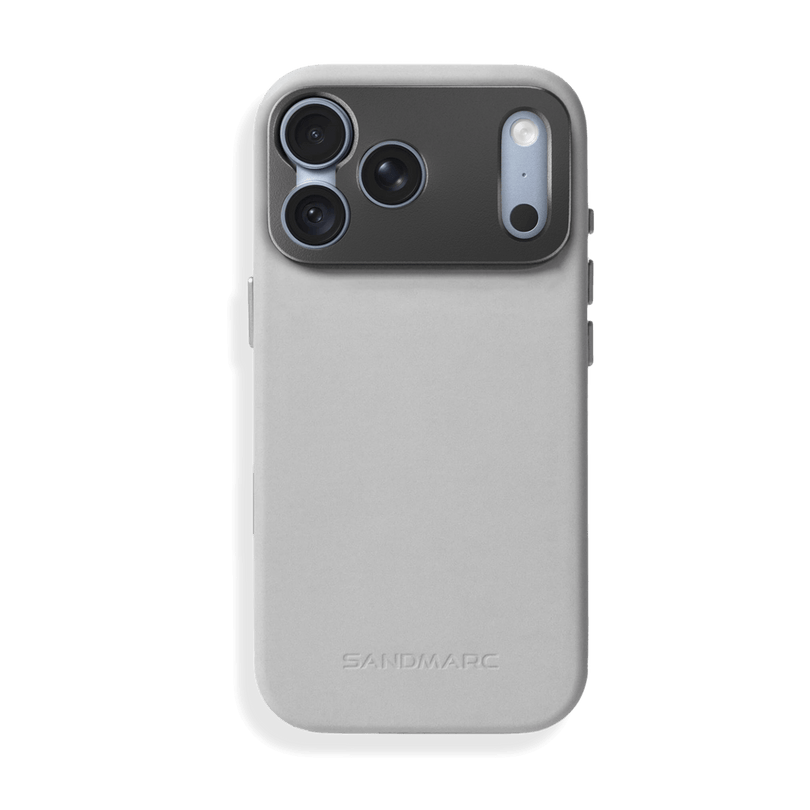
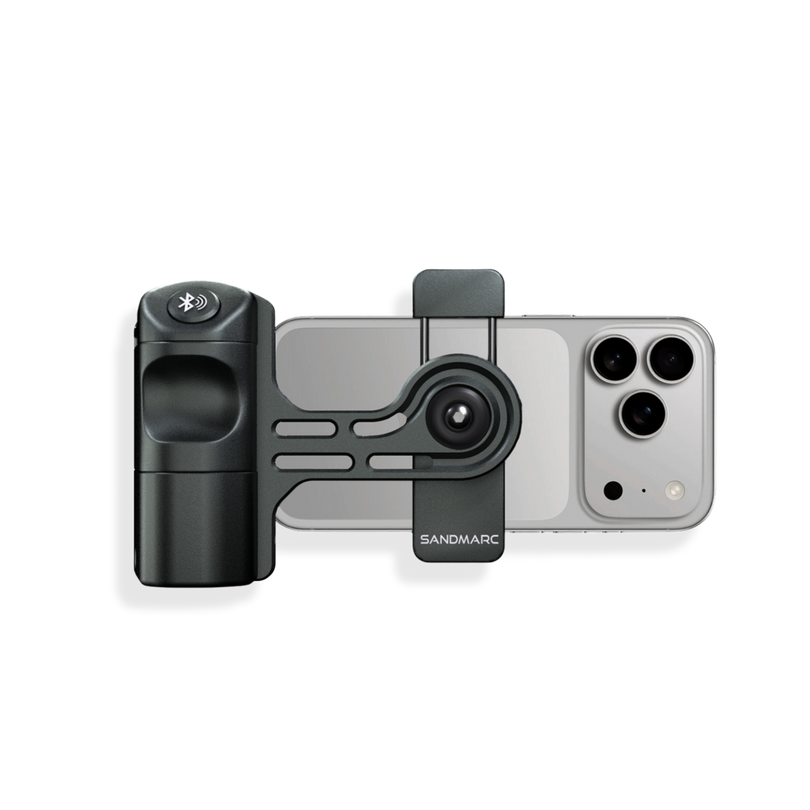
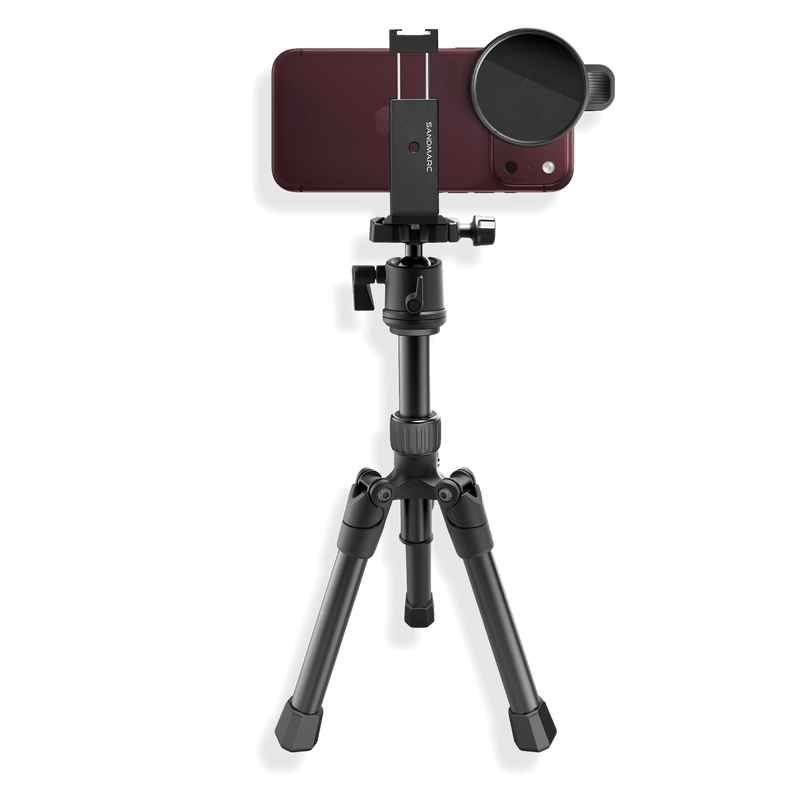
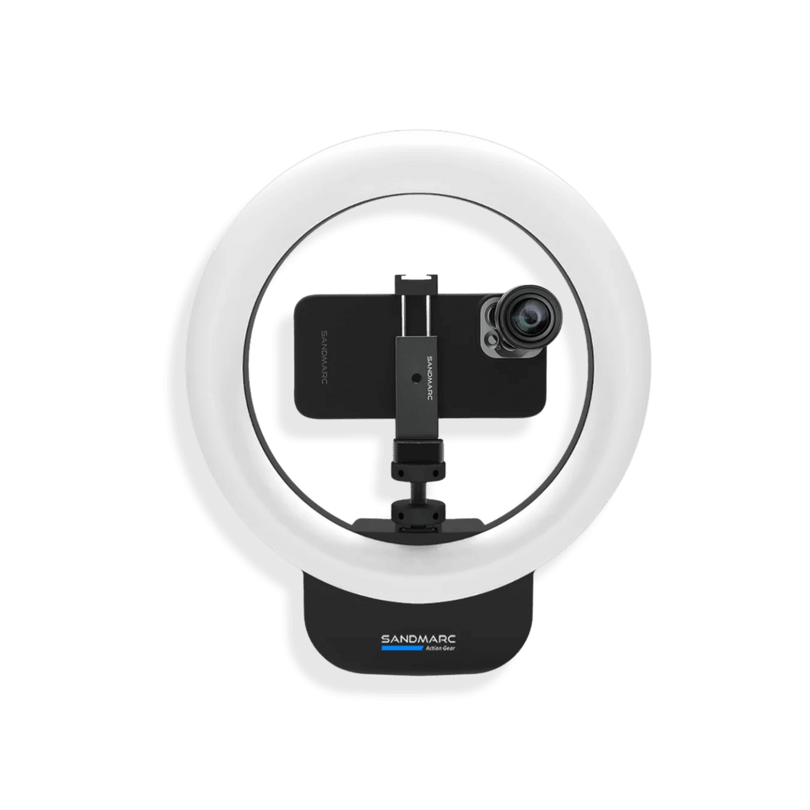




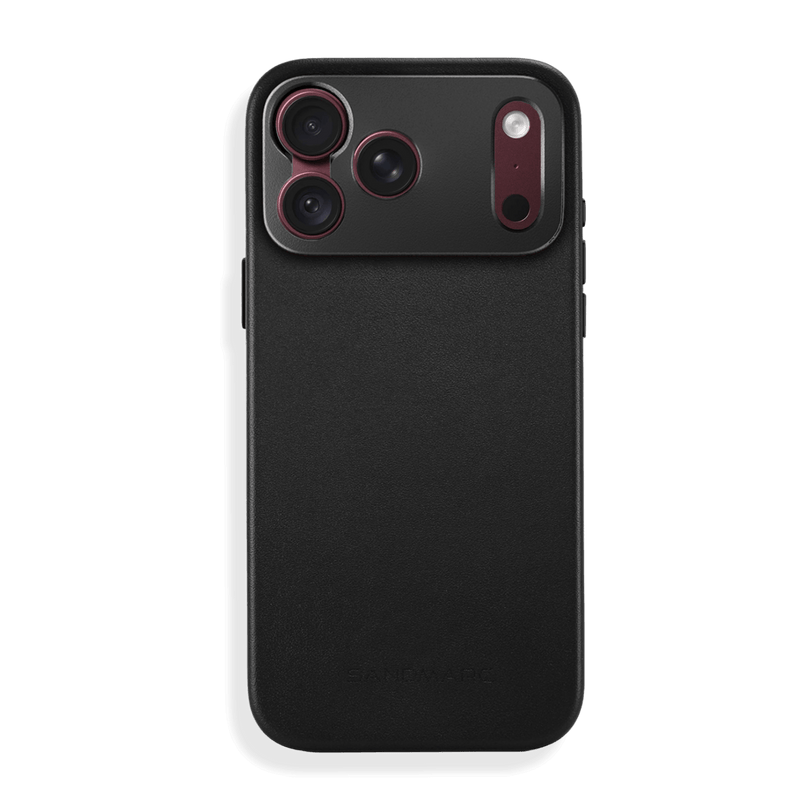



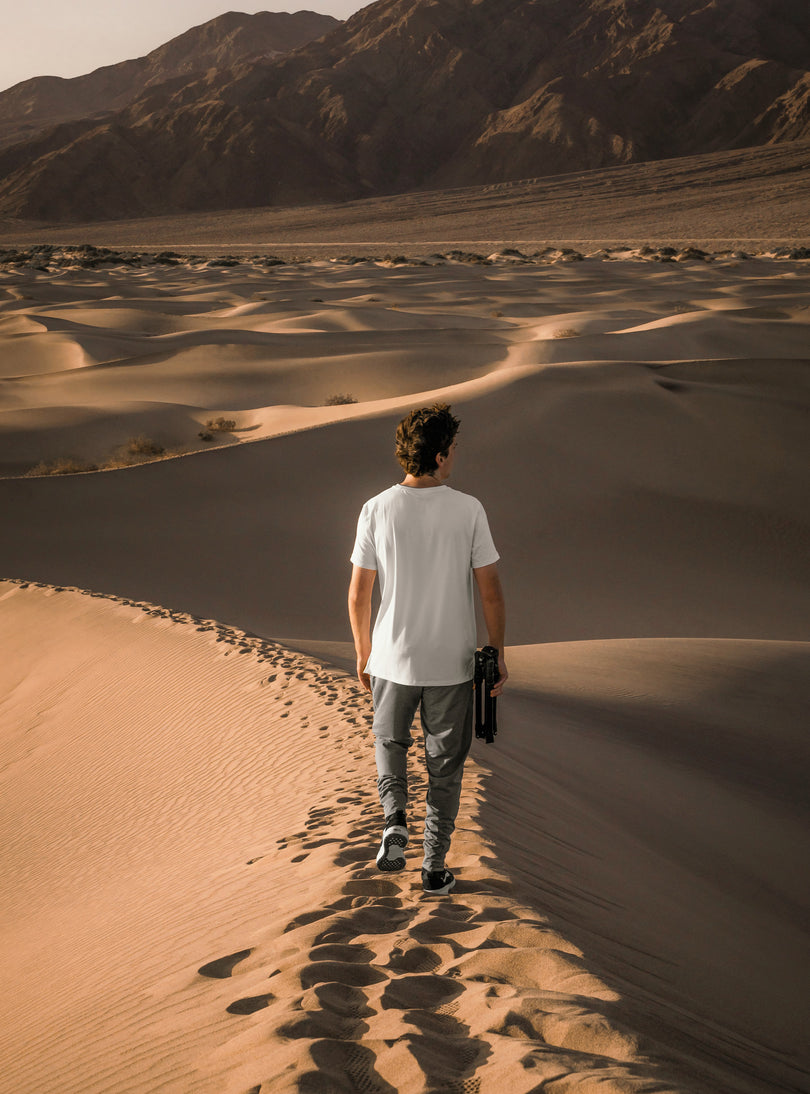


Every September at SANDMARC, we anticipate the next launch of the iPhone, excited for what the camera will bring. This year, we got the iPhone 18 Pro and iPhone Duo. In this photo journal, we share our latest shots and showcase how our lenses and filters complement the iPhone camera, allowing you to elevate your iPhone photography.

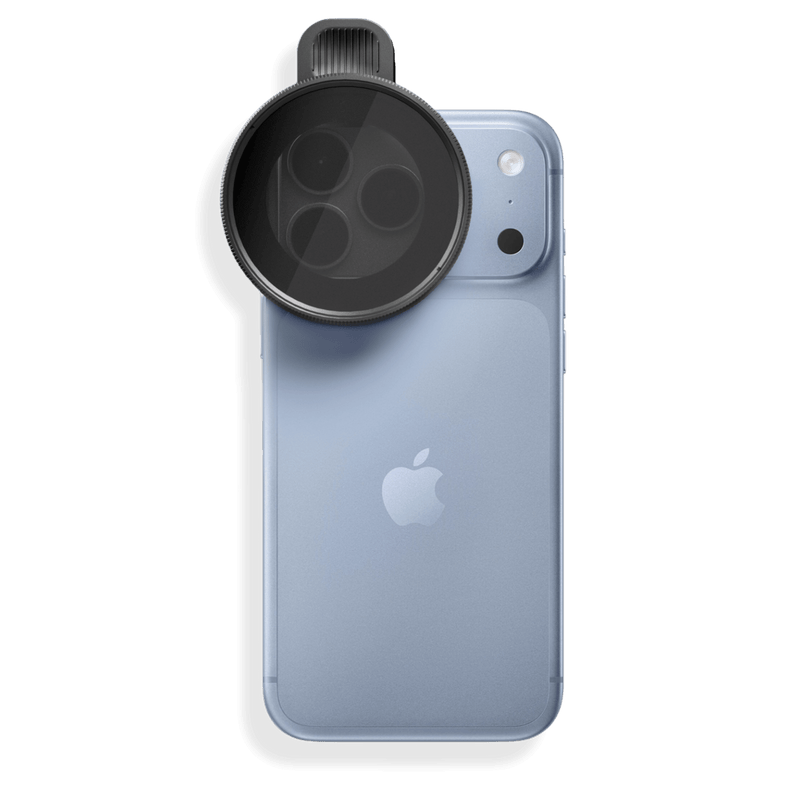
The Drama Filter acts as polarized sunglasses for your iPhone. It suppresses surface glare, as shown on the building windows, and softens the sun so it's less harsh, letting the bricks and green paneling show through.

The Fusion Filter is a 3-in-1 filter that combines a Variable ND filter, a circular polarizer, and a subtle 1/8 mist diffusion. Dial in your exposure by rotating to darken or brighten your shot, giving you full manual control over shutter speed and motion blur in any lighting condition. This enables long light streaks from passing cars on the freeway while keeping the building lights sharp and steady.
 Shot on iPhone 18 Pro + Macro Lens Shot on iPhone 18 Pro + Macro Lens
|
 Shot on iPhone 18 Pro + Macro Lens Shot on iPhone 18 Pro + Macro Lens
|
The Macro Lens allows for a 30x extreme close-up and creates a more robust bokeh with a more natural-looking focal point, as shown with the flower and skincare bottle images. The natural look simulates the human eye and counters the artificial sharpening found in iPhones.

Deciding to implement lenses and filters in your iPhone photography setup is a great way to expand your photography skills. You'll begin to see how much of an impact they make on your images and take your photos to the next level. To explore more of our lens and filter collection for iPhone 18 Pro, check out our site.
SM
SANDMARC
Creator Tips • SANDMARC Blog
Born on the California coast, SANDMARC designs gear for those who live life in motion. For more insights, explore the SANDMARC blog and find us on Instagram, YouTube or TikTok.
