
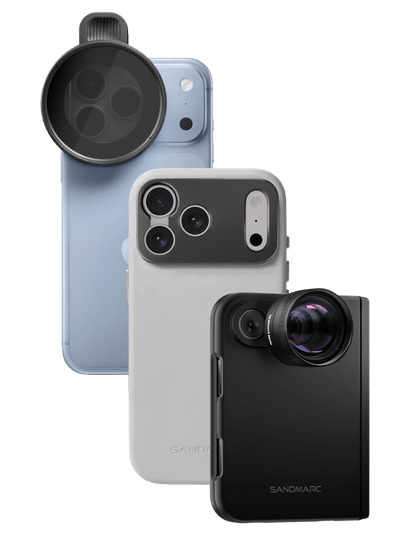
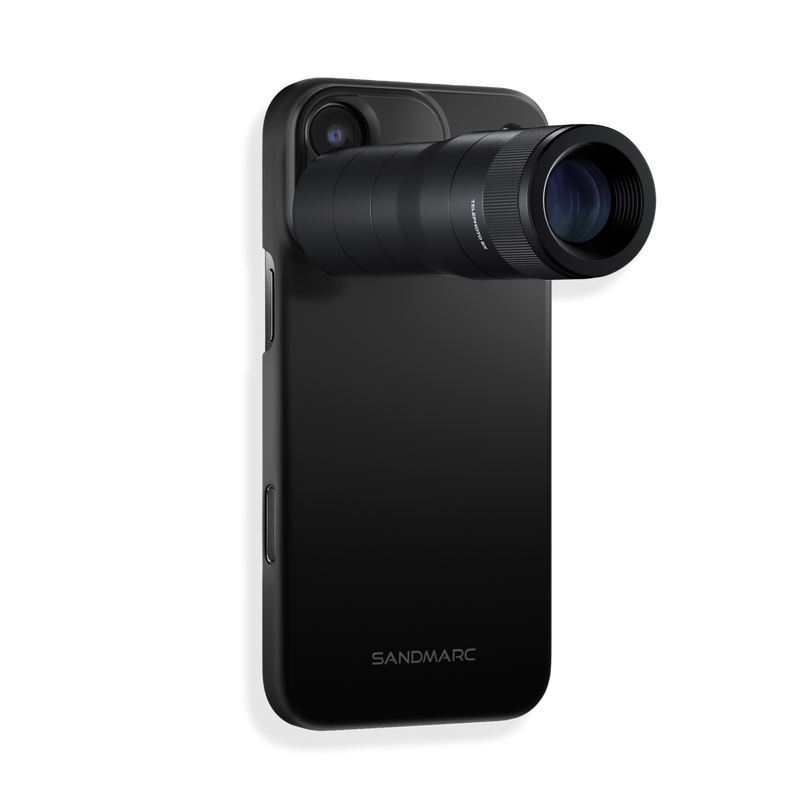
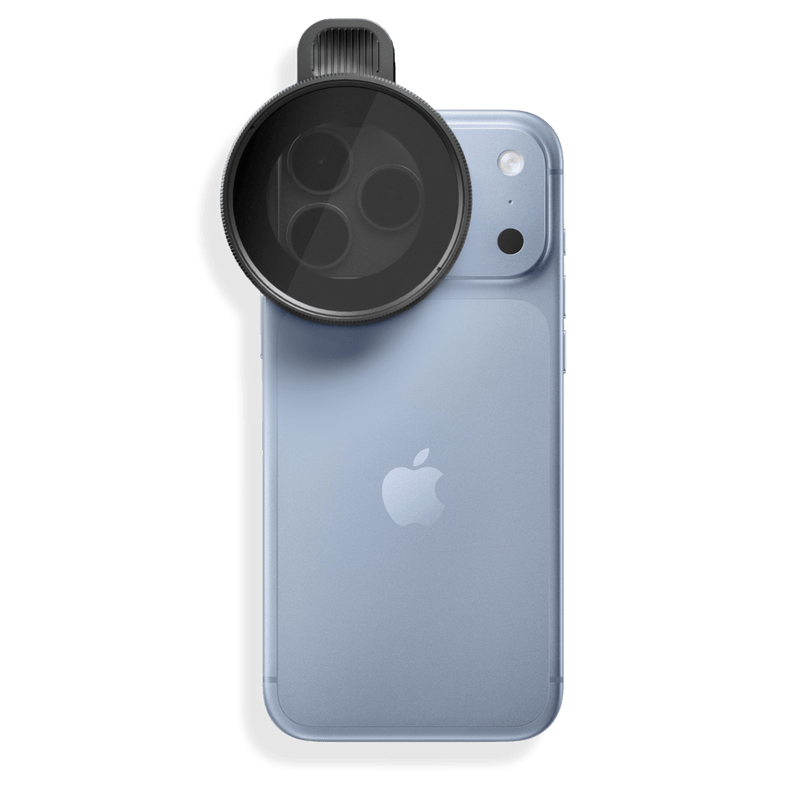







The main issue with native camera software is that it cannot detect attached external lenses, often triggering unwanted auto-lens switching, digital cropping, or improper anamorphic de-squeezing. That’s why we created the SANDMARC Camera App. It is engineered specifically to match the physical and optical specifications of SANDMARC lenses. By pairing custom software integration directly with lens, the app removes guesswork and unlocks the full potential of your camera setup.
Tailor-Made Integration: Built-In Lens Selector and Lens Favoriting
The SANDMARC app seamlessly connects with our entire lens lineup. Simply select your active lens in the app panel, and your camera settings will automatically calibrate for optimal performance.
The app automatically locks focal ranges to eliminate digital zoom degradation, ensuring maximum edge-to-edge sharpness. You can also star your go-to lenses in the menu, then press and hold the lens button to instantly slide and lock onto your mounted glass. For new setups, an intuitive interactive mounting assistant will guide you for seamless mounting and easily toggles off once you’ve mastered your workflow.
Real-Time Anamorphic Support and Auto-Export
An anamorphic lens optically squeezes a wider field of view horizontally onto your phone's camera sensor, producing an oval, squished image. Standard camera apps don't know an external lens is attached, so they display and save the image in its raw, squeezed state, which doesn’t allow for the anamorphic lens to be displayed as intended.
The SANDMARC App instantly desqueezes your live preview monitor so you can frame widescreen cinematic shots accurately. Once captured, it saves fully formatted, desqueezed photos and videos straight to your camera roll without requiring third-party desktop editing software.
Pro-Level Manual Controls and Shooting Formats
- Full Exposure Granularity: Tactile adjustment wheels give you tactile control over Shutter Speed, ISO, White Balance, Aperture, Exposure Compensation, and Manual Focus.
- Cinematic Focus Tools: Dial in tack-sharp focus using Focus Peaking (edge-highlighting) and the Focus Loupe (a magnified viewport overlay).
- Exposure Monitoring: Maintain precise highlight control using False Color, Luma & RGB Histograms, and custom Zebra Warnings (selectable thresholds from 75% to 100% IRE).
- 180-Degree Shutter Rule: Easily lock shutter speeds relative to your frame rate for smooth, natural motion blur when shooting video with SANDMARC ND filters.
- Flexible Shooting Formats: Switch seamlessly between Apple Standard, RAW, 48MP ProRAW, Minimal Processing, and high-bitrate video formats (including ProRes and Log where supported).
- Processing Priority Controls: Fine-tune how your sensor processes captured data with dedicated settings for Speed, Balanced, or Quality.
-
Framing Flexibility: Switch instantly between classic 4:3, 1:1 square, or cinematic 16:9, with optional frame guides and safe-area overlays.
Workflow Built for Creators
When you are capturing on the go and switching out your lenses quickly, it can be hard to track the exact lens you used for future reference. Smart Asset and Audio Management gives you precise control over your media details, with integrated metadata tracking that records the exact SANDMARC lens and manual settings used for every shot. This allows you to continue shooting without having to pause after every shot to make note of the lens used.
For video creators, live audio meters let you monitor gain levels and active microphone sources in real time. Speed and Customization keep your workflow fast and tailored, featuring quick shutter response, rapid ProRAW capture, and fully customizable manual control wheel shortcuts.
For a more detailed guide on the photo and video features of the SANDMARC camera app check out the videos below:

Conclusion
At SANDMARC, we provided the hardware, but we knew that a software experience engineered specifically for our lenses would give creators a true sense of ease. Pairing the SANDMARC lenses with our dedicated app delivers unmatched mobile image quality, building a more cohesive ecosystem for your iPhone camera.
Download the SANDMARC Camera App on the App Store, mount your favorite lens, and elevate your iPhone photography and video experience!
SM
SANDMARC
Creator Tips • SANDMARC Blog
Born on the California coast, SANDMARC designs gear for those who live life in motion. For more insights, explore the SANDMARC blog and find us on Instagram, YouTube or TikTok.
