iPhone 16 Series: Camera Rumors

iPhone 16 Series: Camera Rumors

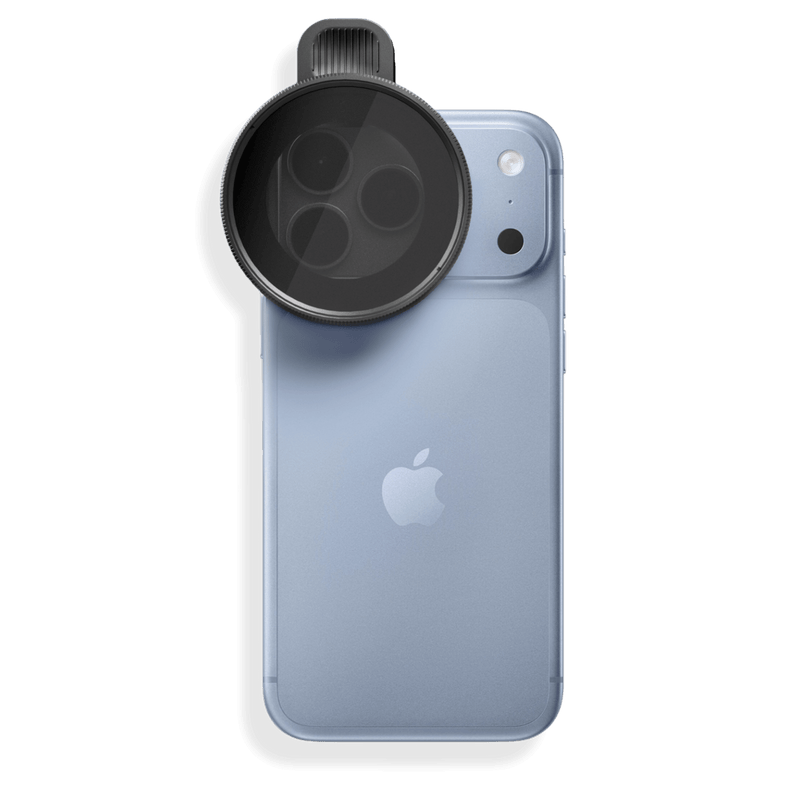
Why Utilizing an Attachable Filter Will Elevate Your iPhone Shots

Why Utilizing an Attachable Filter Will Elevate Your iPhone Shots

Messenger Pro - Press Release

Messenger Pro - Press Release

Press Release - Retro Filter

Press Release - Retro Filter

Best Camera Apps for iPhone Photo and Video

Best Camera Apps for iPhone Photo and Video

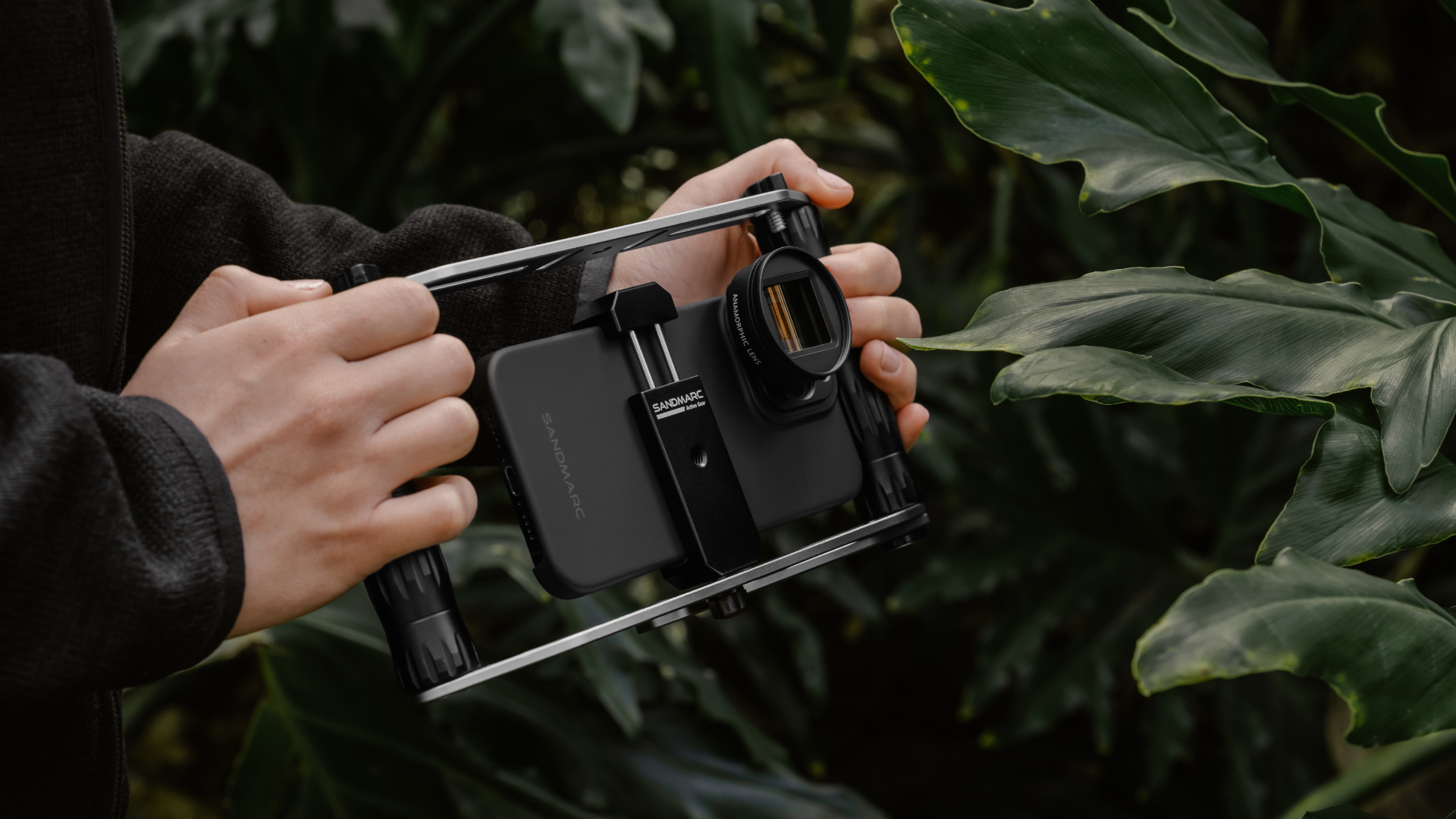
Best Camera Apps for iPhone Three Photo and Video Apps You Need to DownloaD We're always exploring ways to help you get the most out of your iPhone camera. Just like SANDMARC lenses and filters unlock new creative potential, these three apps will take your mobile photography and filmmaking to the next level, whether you're shooting pro-level content or capturing everyday moments. Why Third-Party Camera Apps Are Necessary Third-party camera apps enable users to take photos and videos resembling those shot on professional cameras. Apple's native camera app does not offer independent control of each lens, often causing autofocus inconsistencies, unintended macro switching, or blackouts when using external optical lenses. These three apps give users more control over settings such as white balance, shutter speed, lens selection, and focus fine-tuning — unlocking quality that users may not have thought possible with an iPhone. Check out the three best camera apps for iPhone photo and video below! 1. SANDMARC Camera App for Photography The only camera app built specifically for SANDMARC lenses, designed for everyone from first-time shooters to seasoned photographers. Whether you’re shooting with a SANDMARC lens or your iPhone's native glass, this app is built to capture what matters most. What sets it apart is the seamless integration: simply tap the SANDMARC lens you’ve attached to your iPhone, and you’re ready to shoot. Take total creative command with full manual controls, dial in your exposure with EV, lock focus manually, adjust shutter speed for motion, set ISO for any lighting condition, and fine-tune white balance for true-to-life color. Best of all, the SANDMARC Camera App is free to download. LEARN MORE 2. Adobe Lightroom for Editing Photos While Adobe Lightroom includes an in-app camera, its real power shines in post-shoot editing. The app offers professional-grade tools such as advanced color grading, precise masking, and Firefly-powered generative AI for removing unwanted objects. If you want full creative control over your images, Lightroom remains one of the best options available, ensuring serious photographers have every setting they need. The Lightroom iPhone app features a free tier with basic editing tools. For premium mobile features and 100GB of cloud storage, you can upgrade to Lightroom Mobile Premium for $4.99/month. Photographers looking for a multi-device workflow can opt for the full Lightroom plan at $11.99/month (annual, billed monthly), which unlocks desktop and web access, 1TB of cloud storage, and includes Lightroom Classic. LEARN MORE 3. Blackmagic Camera App for Filmmaking Blackmagic Camera is the ultimate iPhone app for cinematic video capture. It provides total manual control over essential parameters, including shutter speed/angle, ISO, frame rate, white balance, and lens selection, complemented by professional monitoring tools like histograms, false color, and zebra stripes. The app supports multiple aspect ratios (including vertical and Open Gate layouts), manual focus, cinematic stabilization, and up to 2x anamorphic desqueeze. Photographers and filmmakers can shoot in 10-bit Apple ProRes (up to 4K) or ProRes RAW, utilizing Apple Log for maximum color grading flexibility in post-production. While it lacks built-in editing tools, it seamlessly uploads real-time proxies to Blackmagic Cloud, letting desktop DaVinci Resolve editors start working instantly. LEARN MORE Using the right camera apps for both capturing and post-editing can completely transform your iPhone photography and filmmaking experience. Whether you're new to editing software or searching for an upgrade, these are some of the best tools to help your work reach its full potential. SM SANDMARC Creator Tips • SANDMARC Blog Born on the California coast, SANDMARC designs gear for those who live life in motion. For more insights, explore the SANDMARC blog and find us on Instagram, YouTube or TikTok.
How has the iPhone Camera Evolved?

How has the iPhone Camera Evolved?

Probe Lens - Press Release

Probe Lens - Press Release

Which iPhone Camera Lens Has the Best Quality?

Which iPhone Camera Lens Has the Best Quality?

iPhone vs Polaroid: In-Depth Comparison

iPhone vs Polaroid: In-Depth Comparison