






The iPhone Duo introduces dual-screen multitasking and an adjustable folding hinge while replacing Face ID with a side-mounted Touch ID power button. Adjusting to the right shortcuts, split-screen layouts, and optical attachments allows you to maximize the phone's form factor without compromising speed or image quality.
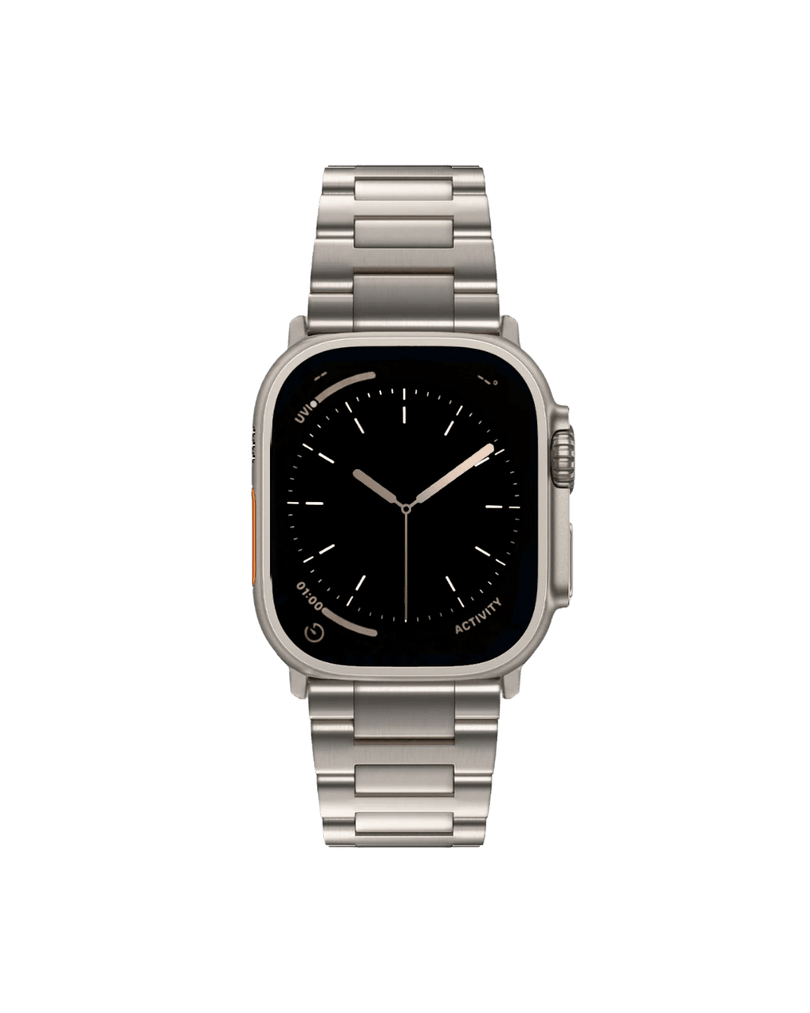
1. Unlock Instantly with Apple Watch
The iPhone Duo no longer features Face ID, so users have been seeking alternative ways to unlock that offer that same effortless feel.
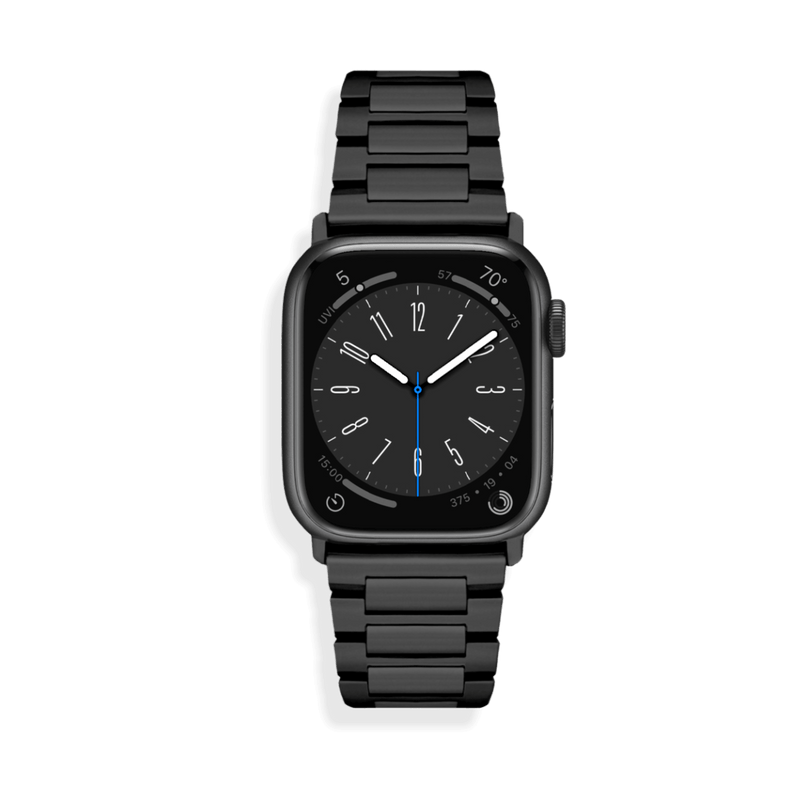
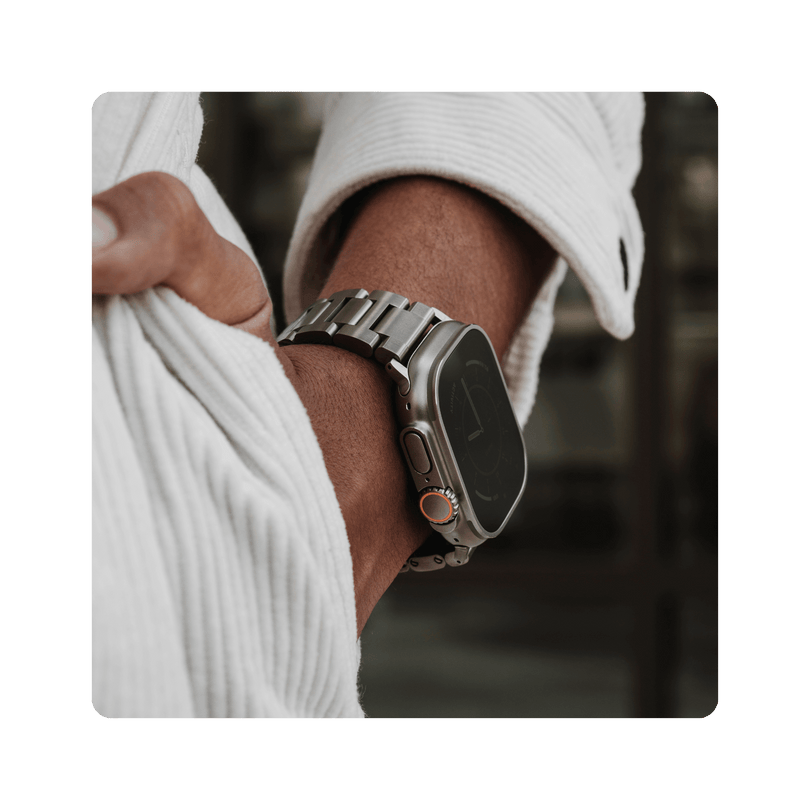
If you wear an Apple Watch, navigate to Settings > Touch ID & Passcode and toggle on Unlock with Apple Watch. When your watch is unlocked and on your wrist, opening the iPhone Duo wakes and unlocks the inner screen instantly, bypassing manual fingerprint authentication.
2. Add Optical 2x Zoom with External Glass
The iPhone Duo does not have a 2x telephoto lens like the iPhone 18 Pro Max and previous models in order to maintain its slim fold. It features only wide and ultra-wide cameras. Digital zoom past 1x crops into the sensor, causing visible resolution loss and digital artifacts.
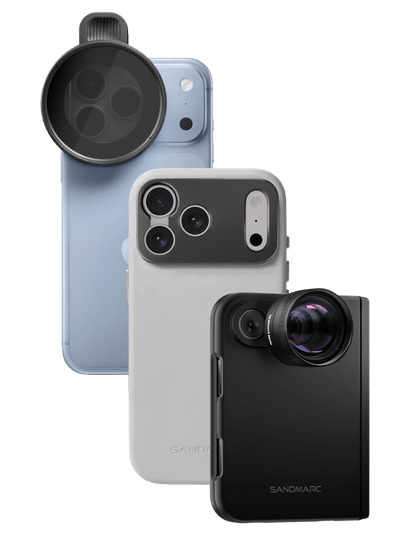
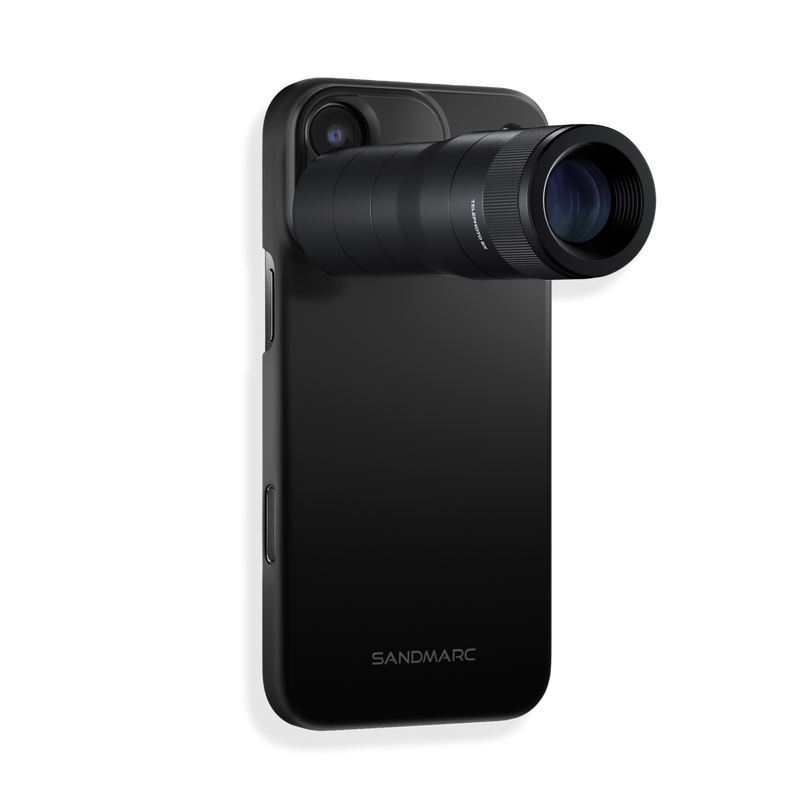
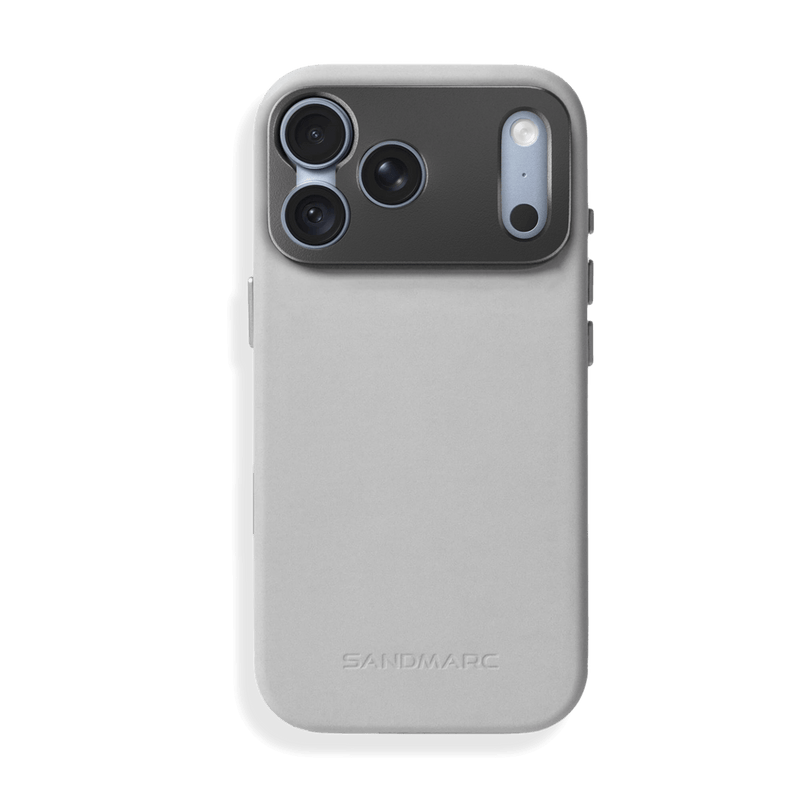
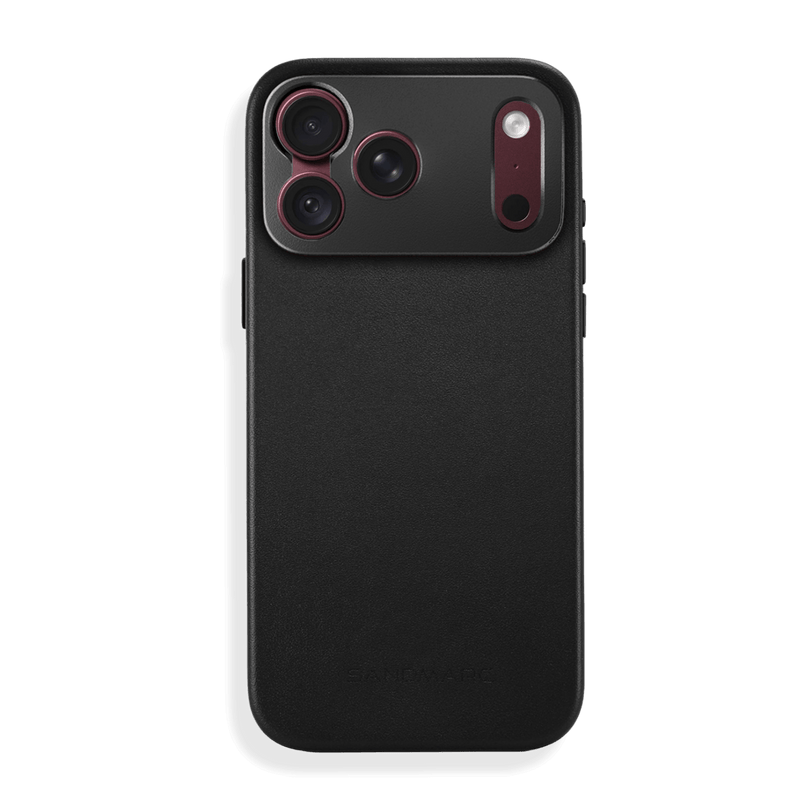
Attaching the SANDMARC Telephoto 2x (58mm) Lens restores true optical magnification with multi-coated glass. The lens mounts directly via the threaded 17mm connection on the SANDMARC iPhone Duo Pro Leather Case, protecting image detail for portrait and landscape framing.
3. Multitask Smoothly with Split View & App Pairs
The 7.6-inch inner canvas remains underutilized when running a single smartphone layout.
To run two applications side by side, open your primary app, swipe up from the bottom bar to view the Dock, and drag a secondary app to the left or right edge of the inner display. Tap the center partition divider to save the arrangement as an App Pair in your App Switcher. Tapping the pair launches both workspaces simultaneously. To unpair, simply swipe up on the app.
4. Register Alternative Fingerprints for Open and Closed Grips
Holding the phone folded with one hand places your thumb along the bottom right rail, whereas holding it fully unfolded shifts your fingers higher along the spine.
Go to Settings > Touch ID & Passcode > Add a Fingerprint. Enroll the index finger and thumb of both hands at a 45-degree diagonal angle. This eliminates missed biometric reads when switching between single-screen and dual-screen orientations.
5. Type Faster Using the Split Keyboard
Stretching your thumbs across the full width of an unfolded 7.6-inch display slows typing and causes hand fatigue.
When the keyboard appears, tap the three dots in the upper left corner of the virtual keyboard interface and select Split Keyboard. This docks keys against the left and right bezels, allowing natural two-handed thumb typing across Notes, Messages, and system-wide Spotlight searches.
6. Pull Down Notifications from the Sidebar
On standard iPhones, opening the Notification Center requires reaching all the way to the top edge and swiping down, a motion that becomes awkward on the taller, wider canvas of the unfolded iPhone Duo.
The iPhone Duo status sidebar displays your cellular, Wi-Fi, and battery indicators along the lower edge. Swiping downward directly over these sidebar icons opens the Notification Center immediately, keeping one-handed navigation fluid without adjusting your grip. Many users claim you have to tap the icon, but the correct gesture is to swipe down over it.
7. Level Surfaces Hands-Free with the Measure App
Traditional smartphones require an external stand or wedge to check two-axis surface balance, but now the Duo brings the Measure App to a new level.
Partially unfold your iPhone Duo to a 90-degree angle and open the built-in Measure app. Set the device flat on any shelf, desk, or mounting rig. The dual displays level the horizontal and vertical planes simultaneously without requiring you to hold the phone.
8. Adjust Display Margins for Protective Cases
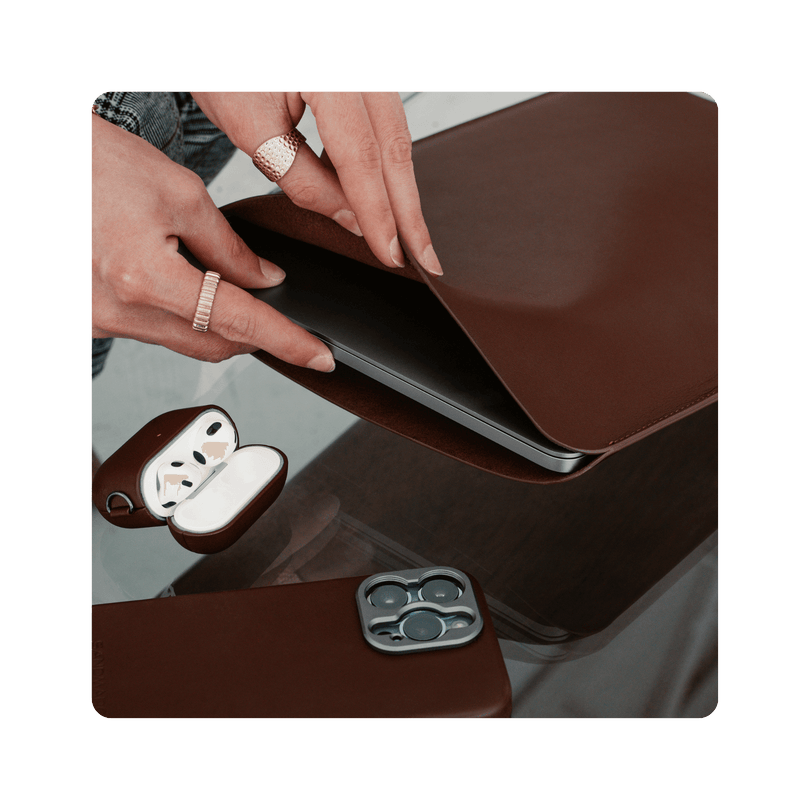
Protective case bezels with raised protective lips can obscure touch targets on the edge of the display, so you can turn on the 'Shift Left Edge' setting.
Open Settings > Display & Brightness > Shift Left Edge. Toggling this feature adds a software inset to outer touch targets, preventing case rims from blocking taps or edge gestures.
9. Run Dual-Display Optimized Software
While it can be frustrating that many third-party apps haven't yet adapted to the iPhone Duo’s dual-screen design, Apple has curated an App Store section highlighting optimized titles. Alongside built-in system apps, developers are starting to take full advantage of the hardware. Below is the updated SANDMARC Camera App, plus two fun, lighthearted apps that make the most of the Duo’s folding layout.
- SANDMARC Camera App: Offers dedicated manual shutter, ISO, and focus controls on the lower half of the unfolded display while keeping the live viewfinder completely unobstructed on the upper half.
- Deck Man (Cassette Player): Positions full tactile playback controls on one panel and track metadata on the other, and looks like a real cassette player.
- AltoPaint (Oil and Gouache): Separates the digital canvas from the brush palette for uninterrupted painting, so the palette is flat and the canvas is propped up.

Frequently Asked Questions
Does the iPhone Duo have an optical telephoto lens?
No. The iPhone Duo camera housing includes only wide and ultra-wide camera modules to keep the device thin. In-camera 2x magnification uses digital sensor cropping. For true optical compression without resolution loss, attach an external SANDMARC Telephoto 2x (58mm) Lens over the primary camera.
How do you create an App Pair on iPhone Duo?
Open two compatible applications side by side in Split View on the unfolded inner display. Tap the center partition divider and select the pin icon. This saves the pair as a unified shortcut in your App Switcher, allowing you to open both workspaces together with a single tap.
Why does the iPhone Duo use Touch ID instead of Face ID?
Apple replaced the TrueDepth Face ID sensor array with a side-rail Touch ID power button to maintain a thin profile across both folding panels. You can bypass the physical fingerprint scan entirely by turning on Unlock with Apple Watch in your Touch ID & Passcode settings.
Can you mount SANDMARC lenses to the iPhone Duo?
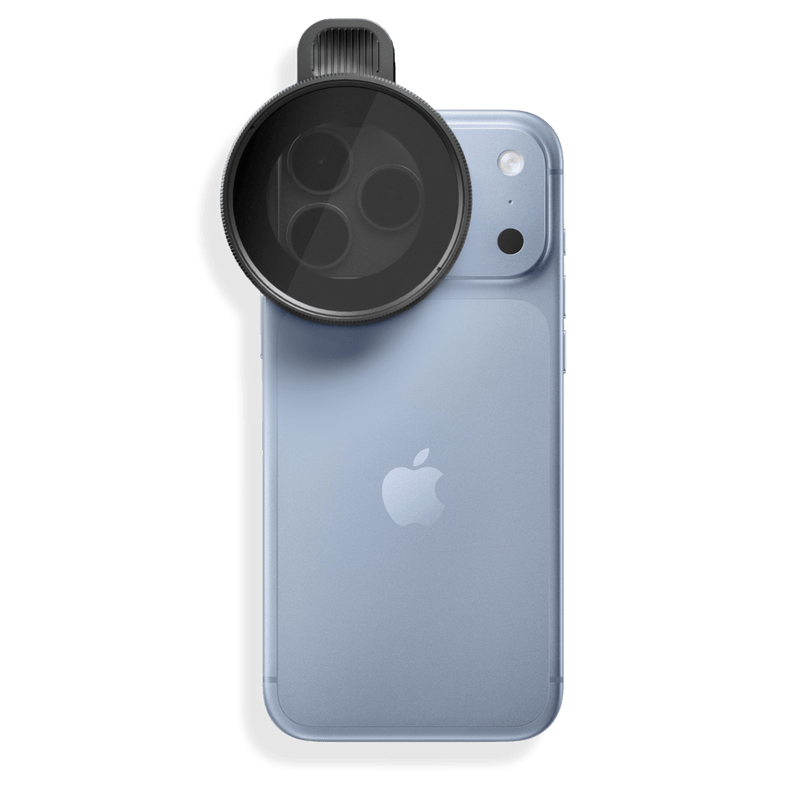
Yes. SANDMARC lenses attach using a direct 17mm thread mount integrated into the CNC-machined aluminum camera ring of the SANDMARC iPhone Duo Pro Leather Case. This secures lenses, including the Telephoto 2x, Anamorphic, and Macro 100mm, directly over the camera without movement or optical misalignment.
SANDMARC
Creator Tips • SANDMARC Blog
Born on the California coast, SANDMARC designs gear for those who live life in motion. For more insights, explore the SANDMARC blog and find us on Instagram, YouTube or TikTok.

